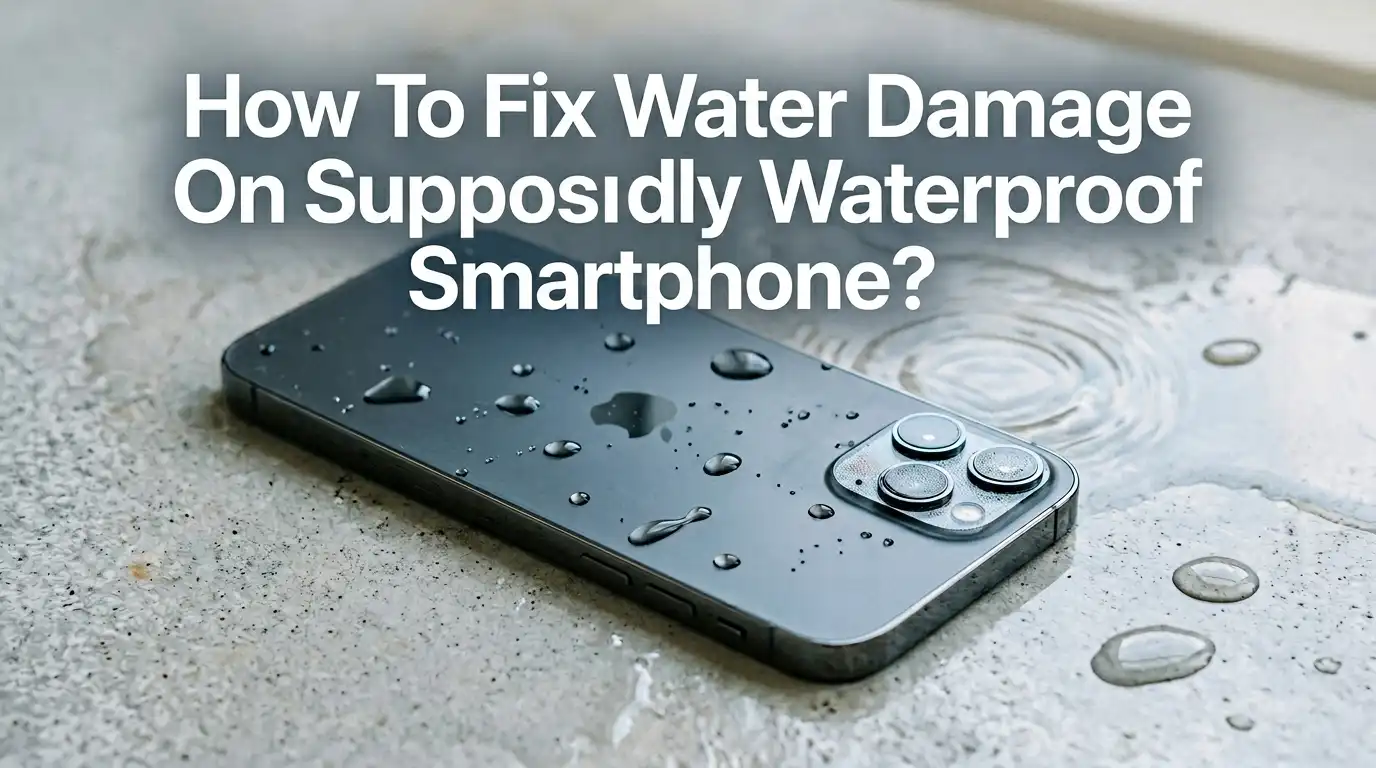
How To Fix Water Damage On Supposedly Waterproof Smartphone?
You bought a phone marked waterproof. You trusted that little IP68 sticker. Then your device took a swim in the sink, the pool, or the toilet, and now the screen flickers, the speaker sounds muffled, or it refuses to charge. Frustrating, right?
Waterproof ratings are not bulletproof, and many phones still suffer water damage even with sealed bodies. The good news is that quick action can save your device.
This guide walks you through every step, from the first 60 seconds to advanced fixes, with honest pros and cons for each method. Read on before you panic, and you might just rescue your phone today.
In a Nutshell
- Waterproof ratings fade with time. IP68 protection weakens after drops, repairs, or normal aging, so older phones leak even when the spec sheet says they should not.
- Power off the phone first. Water plus electricity equals short circuits. Turning it off right away gives you the best chance of saving the internal board.
- Skip the rice trick. Apple, Samsung, and repair experts agree that rice does little to dry a phone and grains can clog ports. Silica gel packets work far better.
- Use sound to clear speakers. Low frequency tones push water out of speaker grills, and this trick is safe, free, and surprisingly effective.
- Avoid heat sources. Hair dryers, ovens, and direct sunlight can warp seals, melt glue, and damage the battery.
- Wait at least 48 hours before charging. Plugging in a wet phone is the single fastest way to fry it for good.
- Visit a repair shop if symptoms continue. Corrosion can build up days later, so a professional clean may save the device long term.
Why Waterproof Phones Still Get Water Damage
Manufacturers love to advertise IP68 ratings, but these ratings come with fine print. IP68 means the phone survived fresh water at a set depth for 30 minutes in a lab. Real life is messier. Saltwater, soap, hot water, and pool chlorine break down the rubber seals quickly.
Drops, dents, and cracked screens also create tiny gaps in the gasket. Even one fall on the corner can ruin the seal. After a screen replacement or battery swap, water resistance often disappears unless the technician reapplies adhesive properly.
Phones also age. The glue and rubber inside degrade after a year or two, especially in hot climates. So a two year old waterproof phone is rarely as sealed as it was on day one. That is why your supposedly safe device can still suffer water damage.
First 60 Seconds: What To Do The Moment It Gets Wet
Speed matters more than anything else. The faster you act, the less corrosion forms inside. Pull the phone out of the water immediately and hold it screen up. Do not shake it hard, since that can push water deeper into the speakers and ports.
Press and hold the power button to switch it off completely. Do not just lock the screen. A powered phone with water inside will short circuit within minutes. If your model has a removable battery, pop it out right away.
Wipe the outside with a soft, dry cloth. Pay attention to the charging port, headphone jack, and SIM tray. Tilt the phone gently so any visible water drips out of the openings. These few seconds of calm action set you up for a real recovery.
Remove The SIM Card, Case, And Accessories
Once the phone is off, take off everything that traps moisture. Cases, screen protectors, and pop sockets hold water against the body and slow drying. Pull them off carefully and set them aside to dry separately.
Use the SIM ejector tool to pop out the SIM tray. Memory cards should also come out. This opens another vent for trapped moisture and protects the contacts on these cards from corrosion.
Pros of this step: It exposes hidden water pockets, helps the device dry faster, and protects your data on the SIM and SD card.
Cons: You may lose the factory water resistance if you struggle and bend the tray. Be gentle. If your nails are wet, dry your hands first so the tools do not slip.
Should You Use Rice? The Honest Truth
The rice trick is the most famous home remedy and also the most overrated one. Apple officially warns against putting iPhones in rice, and Samsung agrees. Rice absorbs a little surface water, but it cannot pull moisture from sealed internal parts.
Worse, rice grains and starchy dust can lodge in your charging port or speaker mesh. That dust then traps even more moisture later. Some users report ports that stopped working entirely after the rice treatment.
Pros of rice: It is cheap, easy to find, and slightly better than doing nothing in a true emergency.
Cons: It works slowly, fails to dry internal components, and introduces debris that can cause new problems. If silica gel is available, choose it every time. Rice should be your last resort, not your first move.
Use Silica Gel Packets For Better Drying
Silica gel is the small bead packet you find in shoe boxes, vitamin bottles, and electronics packaging. These beads pull moisture out of the air far faster than rice. Save them whenever you spot one. They cost almost nothing and they actually work.
Place your phone in a sealed container or zip bag. Surround it with as many silica gel packets as you can find, ideally 10 or more. Close the bag tightly. Leave it there for 24 to 48 hours.
Pros: Silica gel is clean, leaves no dust, dries faster than rice, and is reusable after baking it dry in an oven.
Cons: You may not have enough packets on hand during an emergency. Buying a fresh pack online takes time, and by then the corrosion may already be forming inside the device.
Try The Sound Wave Speaker Trick
Modern phones have a clever feature you might not know about. Speakers can push water out using low frequency sound. Apple Watch has a built in water eject mode. iPhones can run a Siri shortcut for the same purpose. Android phones can use apps or YouTube videos that play these tones.
Search for water eject sound on YouTube and play it through the affected speaker. The vibration shakes droplets out of the speaker mesh. Repeat the tone two or three times for best results.
Pros: It is free, fast, and uses no chemicals or heat. You can do it anywhere. It clears muffled sound within minutes in many cases.
Cons: It only fixes the speakers, not the inside of the phone. If water reached the logic board, this trick will not help with charging or screen issues.
Avoid These Dangerous Drying Methods
Some popular tips actually destroy phones. Never use a hair dryer on hot setting. The heat melts the adhesive that holds the screen down and warps the rubber gaskets, leaving your phone less waterproof in the future.
Do not put the phone in an oven, microwave, or on a hot radiator. These methods can cause the lithium battery to swell or even catch fire. Direct sunlight on a hot day can do similar damage.
Avoid pressing buttons or shaking the phone violently. Both push water deeper inside. Skip rubbing alcohol baths unless you know exactly what you are doing, since liquid plus electronics is what caused this mess in the first place.
Pros of avoiding these methods: You preserve the battery, screen, and seals.
Cons: Drying takes longer with safe methods, but the wait is worth it.
Wait Before Charging Or Powering On
This is the hardest step because you want to know if your phone still works. Resist that urge. Charging a wet phone is the fastest way to short the board. Even Apple now shows a warning on screen when liquid is detected in the charging port.
Wait at least 48 hours before charging. Some experts recommend 72 hours for full peace of mind. Place the phone in a warm, dry room with good airflow during this time. Do not test the buttons every hour, since that can wake hidden circuits.
Pros: Patience prevents permanent damage and gives every drop of water time to evaporate.
Cons: You lose access to the phone for two or three days. Use a backup device or a friend’s phone for urgent calls during the wait.
Check For Hidden Corrosion Signs
Water damage is sneaky. Even if your phone turns on after drying, corrosion may build up over the next few weeks. Watch for warning signs like a battery that drains faster than usual, a charging port that feels loose, or a speaker that sounds tinny.
Look at the liquid contact indicator (LCI). Most phones have a small white sticker inside the SIM tray slot. If it has turned red or pink, water reached the inside. This also voids many warranties.
Other red flags include random reboots, ghost touches on the screen, and Wi Fi or Bluetooth that drops often. If you spot any of these symptoms, do not wait for the phone to die fully. Take it to a repair shop while the damage is still small.
When To Visit A Professional Repair Shop
Some water damage needs expert hands. If your phone will not turn on after 48 hours of drying, or if the screen shows lines and weird colors, it is time for a professional. Repair technicians open the phone, clean the board with isopropyl alcohol, and replace any corroded parts.
A good shop charges for diagnosis upfront. Many offer free quotes before any work begins. Ask about their success rate with water damage and whether they use ultrasonic cleaning baths, which are the gold standard for board cleaning.
Pros: Skilled repair can save phones that look totally dead. Technicians can also reseal the device after repair.
Cons: It costs money, sometimes a lot. Reapplied seals rarely match the factory IP68 rating. Always back up your data before handing over the phone.
How To Restore Water Resistance After Repair
Once a phone has been opened, the original waterproof seal is broken. Repair shops can apply new adhesive strips, but the bond is never as strong as the factory version. Still, a careful repair gives you splash resistance against rain and small spills.
Ask your technician to use fresh OEM adhesive and to test the seal with a vacuum chamber if possible. Some shops do a pressure test that confirms basic resistance. This adds a small fee but gives you real peace of mind.
Pros: A resealed phone protects against everyday accidents like rain or sweaty pockets.
Cons: It will likely fail under full submersion. Treat a repaired phone as splash resistant only, even if it was IP68 from the factory. Use a waterproof pouch for swimming, the beach, or the pool from now on.
Smart Habits To Prevent Future Water Damage
Prevention beats repair every time. Keep your phone in a waterproof pouch at the beach, pool, or boat. These cost a few dollars and seal tightly with a roll top closure. Touchscreens still work through the clear plastic.
Avoid charging your phone in the bathroom while showering, since steam slowly seeps through ports. Dry your hands fully before touching the device. Never take a phone into a hot tub, sauna, or steam room, since heat plus humidity destroys seals quickly.
Clean the charging port every few months with a soft brush. Dust buildup blocks the rubber seal from sitting flush. Replace your screen protector if it cracks, since cracks allow water to creep along the edges.
Pros: These habits cost almost nothing and extend phone life by years.
Cons: They take a little daily attention, but the routine becomes second nature fast.
FAQs
How long does it take for water damage to show up?
Symptoms can appear within minutes if water hits the logic board, or take days to weeks as corrosion spreads. Watch for charging issues, dim screens, or muffled audio in the first 30 days after the incident.
Can I claim warranty for water damage on an IP68 phone?
Most warranties do not cover liquid damage even on waterproof phones. Manufacturers argue that the IP68 rating is a lab result, not a real world guarantee. Check the liquid contact indicator before filing any claim.
Is it safe to use my phone if it works after drying?
It is usually safe, but stay alert. Back up all data immediately in case the phone fails later. Hidden corrosion can cause sudden failure weeks down the road, so cloud backups protect your photos and contacts.
Does insurance cover water damage repair?
Many phone insurance plans and credit card protections cover liquid damage. Check your policy for accidental damage coverage. Carrier plans often include water damage but may charge a deductible of 50 to 200 dollars.
Can saltwater damage a waterproof phone more than fresh water?
Yes, much more. Saltwater is conductive and corrosive. Rinse the phone gently with fresh water before drying if it touched the ocean. This extra step prevents long term salt buildup on the internal contacts.
How much does professional water damage repair cost?
Costs vary widely. A simple board cleaning can be 50 to 100 dollars. Full board replacement runs 200 to 500 dollars or more, depending on the model. Always get a quote before approving any work.