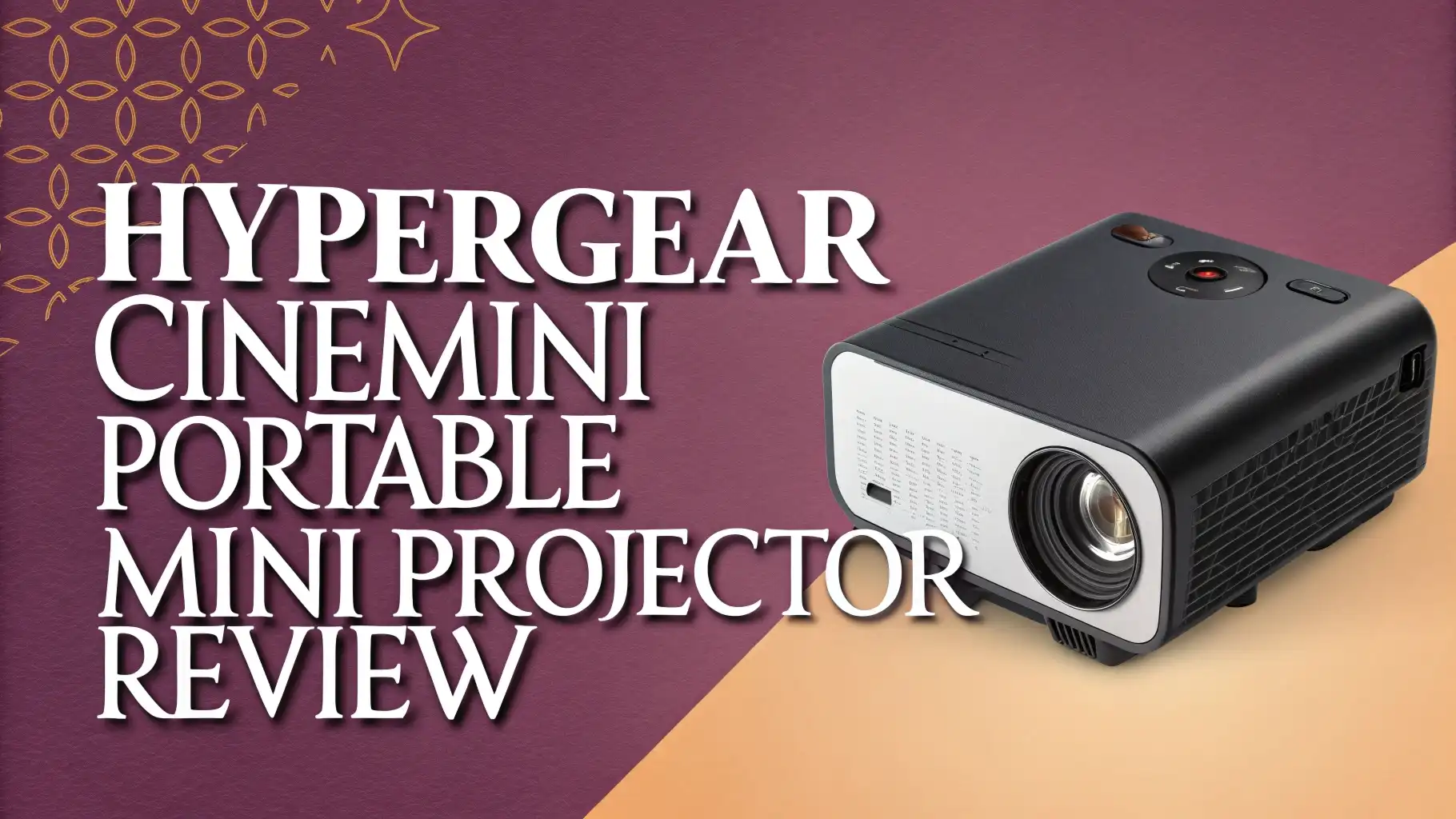
HyperGear CineMini Portable Mini Projector Review In 2026
Imagine turning any blank wall into a 200-inch movie screen in under two minutes. That is exactly what the HyperGear CineMini Portable Mini Projector promises to deliver.
Whether you are a movie lover who wants a cinematic setup without the big-screen price tag, a gamer looking for a fun experience, or a student who needs to give slick presentations, this little device has been making a lot of noise in 2026. But does it really live up to the hype?
In this review, we dig deep into everything you need to know. We look at the specs, the image quality, the sound, the ease of setup, and how it compares to the competition.
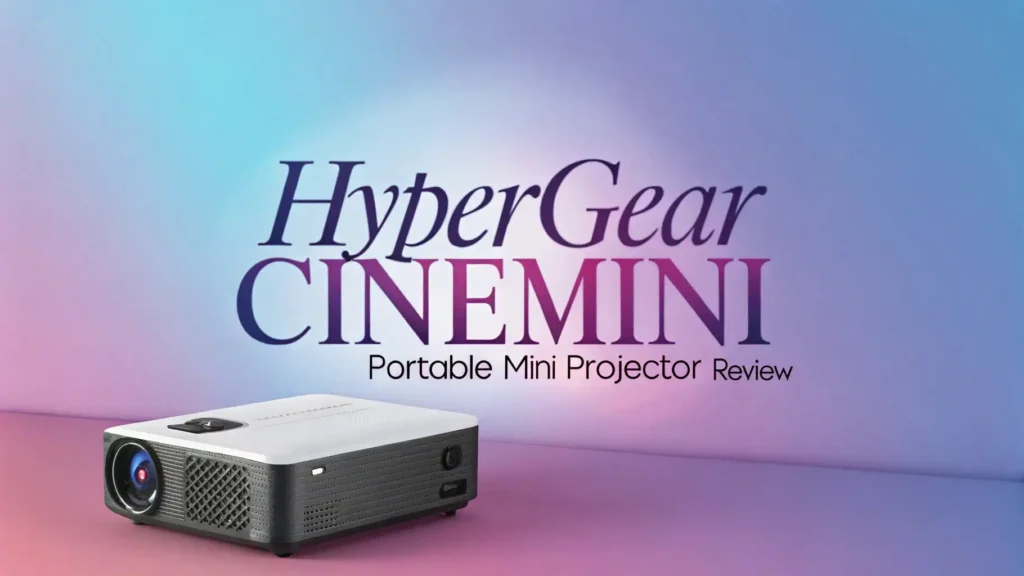
Key Takeaways:
- Resolution and Brightness: The HyperGear CineMini delivers a 1280 x 720p HD resolution with 160 ANSI lumens of brightness. This is enough for dark and dimly lit rooms, but it will struggle in bright environments.
- Screen Size Flexibility: You can project a screen anywhere from 30 inches to a massive 200 inches, giving you real cinematic freedom depending on your room setup and distance from the wall.
- No Built-In Battery: Unlike some competitors, the CineMini runs on AC power only. This means you need an outlet nearby, making it less ideal for outdoor use without a power bank or extension cord.
- Android 11 OS with App Support: The built-in Android 11 operating system lets you download and use popular streaming apps directly on the projector, including support for Miracast and AirPlay for wireless casting.
- Strong Connectivity Options: It comes with HDMI, 2x USB ports, Wi-Fi (dual-band), Bluetooth, Miracast, and AirPlay, making it compatible with phones, tablets, laptops, gaming consoles, and TV sticks.
- Affordable Price Point: At around $129 to $157, the CineMini sits in the budget-friendly to mid-range territory, making it one of the most accessible portable projectors with Android OS in 2026.

HyperGear CineMini: First Impressions and Design
The first thing you notice when you pull the HyperGear CineMini out of its box is how compact and solid it feels.
Measuring just 4.9 x 6.9 x 4.9 inches and weighing 2.78 lbs, it is easy to carry around the house or pack in a bag for trips. The build quality feels sturdy for its price class, and the unit comes in both black and gray color options.
The top of the unit has a simple focus wheel, which is your main tool for getting a sharp image. The back panel houses all the ports, and the front has the lens clearly positioned. The overall aesthetic is clean and minimal, which means it does not look out of place in a home setting.
The included remote control is small and lightweight, covering all the essential controls you need for navigation. HyperGear also includes a 9.8-foot HDMI cable, a USB-C to HDMI adapter, and an AC power cable in the box, so you are ready to go right out of the package.
HyperGear CineMini Display Quality and Image Performance
The CineMini uses a 3.5-inch LCD panel powered by a 60W LED light source that delivers 160 ANSI lumens. The resolution sits at 1280 x 720p HD, and the contrast ratio is 1000:1. In a completely dark room, the image looks surprisingly good for the price. Colors appear vivid, and the 1000:1 contrast ratio adds decent depth to dark scenes.
However, it is important to set expectations correctly. 160 ANSI lumens is not going to win any brightness awards. In a room with curtains drawn and lights off, movies and games look sharp and colorful. As soon as you add ambient light, the image washes out noticeably.
The sweet spot for this projector is a dark or dimly lit room at a projection size between 80 and 120 inches. At those settings, the picture quality is genuinely impressive for a projector at this price. The sealed optical engine also keeps the internals dust-proof, which helps maintain color accuracy and sharpness over time.
HyperGear CineMini Setup and Ease of Use
Getting the CineMini up and running is a quick and painless process. The device boots into Android 11 in under 30 seconds, and the home screen gives you easy access to your installed apps, settings, and inputs.
The digital keystone correction handles up to ±30 degrees both vertically and horizontally, which means you do not have to place the projector dead center to get a square image.
Focus is handled manually via the focus wheel on the top of the unit. This means you need to adjust it each time you change your distance from the wall. Some users may prefer an auto-focus system, and this is one area where competitors have an edge.
That said, the manual focus wheel is responsive and easy to dial in. Most people can set up the projector and get a sharp image on the wall in under two minutes. The intuitive Android 11 interface also makes navigating menus and apps feel familiar for anyone who uses an Android phone or smart TV.
Top 3 Alternatives for HyperGear CineMini Portable Mini Projector


HyperGear CineMini Connectivity and Compatibility
One of the strongest selling points of the CineMini is its wide range of connectivity options. On the wired side, you get one HDMI port and two USB ports, which lets you connect laptops, gaming consoles, USB flash drives, and streaming sticks with ease.
On the wireless side, the CineMini supports dual-band Wi-Fi (2.4GHz and 5GHz), Bluetooth, Miracast, and AirPlay. This means you can wirelessly mirror content from your iPhone, iPad, Android phone, or Mac without any adapters.
The dual-band Wi-Fi support is a nice touch at this price point, as it allows for smoother streaming on the faster 5GHz band. The connection range for wireless casting is listed at up to 33 feet (10 meters), which is more than enough for most rooms.
Whether you want to stream Netflix from the built-in Android OS, mirror a game from your phone, or plug in a gaming console directly, the CineMini handles all of it without any issues.
HyperGear CineMini Audio Performance
The CineMini comes equipped with a built-in 5W speaker. For a projector this compact, the audio quality is acceptable for casual movie watching in smaller rooms. The speaker produces clear mid-range sound, though bass response is predictably thin. You will not feel the rumble of an explosion or the depth of cinematic music with the built-in speaker.
The good news is that audio expansion is easy. You can connect external speakers via Bluetooth or the 3.5mm aux port, which transforms the audio experience entirely. Pairing a Bluetooth speaker or soundbar with the CineMini is straightforward through the Android 11 settings menu.
For those who watch movies in a dedicated dark room with a decent Bluetooth speaker, the CineMini can genuinely deliver an enjoyable cinematic experience. For business presentations and classroom use, the built-in 5W speaker is more than sufficient to fill a small to medium-sized room.
HyperGear CineMini Power and Portability
The HyperGear CineMini relies entirely on AC power via its included 5-foot power cable. There is no built-in battery, which is one of the most notable limitations of this device when you compare it to many competitors in the same price range. If you want to use it outdoors or in a room without a nearby outlet, you will need a power bank that supports AC output or a power station.
That said, the compact form factor and lightweight design still make it highly portable. Think of it less as a go-anywhere pocket projector and more as a room-to-room carry device.
It is small enough to fit in a backpack or a small bag, so moving it between your bedroom, living room, or a friend’s place is no trouble at all. The built-in carrying handle, which is mentioned on the official product page, adds a nice ergonomic touch for transport. For indoor use across multiple rooms, the CineMini is a great pick.
HyperGear CineMini Android OS and App Experience
The built-in Android 11 operating system is one of the most user-friendly features of the CineMini. Once you connect it to your Wi-Fi, you can access the Google Play Store to download streaming apps, games, and utilities. Popular streaming services work well on the platform, and the interface is clean and easy to navigate with the included remote.
The projector has 8GB of internal storage and 1GB of RAM. This combination is enough for running streaming apps smoothly, though you may notice slight slowdowns when multitasking or running heavier apps.
The 8GB storage fills up fairly quickly if you start downloading many apps, so it is best to keep it focused on your main streaming apps. For users who just want to stream content directly, the Android 11 OS works very well and eliminates the need for a separate streaming stick.
The AirPlay and Miracast support also means iPhone and Android users can mirror content wirelessly without installing any apps.
HyperGear CineMini Pros and Cons
Pros:
Compact and lightweight design makes it easy to carry and store. The wide connectivity range covers nearly every device you own.
Android 11 OS with app support removes the need for extra streaming devices. Digital keystone correction up to ±30 degrees makes flexible placement easy. The 30 to 200-inch screen size range gives great flexibility. An affordable price tag of around $129 to $157 delivers solid value for the features included.
Cons:
There is no built-in battery, which limits true outdoor or off-grid use. 160 ANSI lumens is low for bright rooms or daytime use. The resolution is 720p HD, not Full HD 1080p, which may disappoint users looking for sharper text or detailed visuals.
Manual focus requires readjustment every time you change the projection distance. The 1GB RAM can make the Android OS feel sluggish with heavier apps.
HyperGear CineMini Compared to Its Competitors
The CineMini performs well in its price bracket, but it is important to understand where it stands compared to the alternatives.
The Nebula Capsule 3 GTV offers 1080p resolution, a built-in battery, and a polished Google TV experience, but it costs significantly more. The XGIMI MoGo 4 Laser brings laser technology and 550 ISO lumens to the table, making it far brighter and more versatile, but again at a higher price.
If price is your main deciding factor, the CineMini wins hands down. At under $160, no other projector gives you Android 11 OS, dual-band Wi-Fi, AirPlay, Miracast, and a 200-inch projection capability in this package.
However, if you need a built-in battery, higher brightness, or 1080p resolution and are willing to pay more, the Nebula Capsule 3 or XGIMI MoGo 4 are stronger overall packages. The Hisense C2 Ultra is simply in a premium class of its own and is not a direct competitor at this price point.
HyperGear CineMini Value for Money and Final Verdict
At a price of roughly $129 to $157, the HyperGear CineMini delivers a surprising amount of functionality. You get a full Android 11 smart projector experience, a wide projection range, solid connectivity, and a compact build that is easy to move around. For students, casual movie watchers, and budget-conscious buyers, this is a genuinely solid choice.
The lack of a built-in battery and the 720p resolution are real limitations, but they are expected at this price point. If your primary use case is indoor movie nights in a dark room, the CineMini will make you happy.
If you need brightness, outdoor flexibility, or sharper 1080p visuals, you should look at spending more on one of the alternatives. For what it is and what it costs, the HyperGear CineMini earns a strong recommendation as a value pick in 2026.
Who Should Buy the HyperGear CineMini Projector?
The CineMini is the right pick for a specific type of buyer. Students in dorm rooms will love the compact size and the ability to watch movies on a large screen without a TV.
Budget-conscious home users who want a movie night upgrade will appreciate the 200-inch projection potential and Android OS. Office and classroom presenters who need a portable unit for occasional presentations will find the HDMI and wireless connectivity very practical.
On the other hand, if you are a dedicated home theater fan who wants 4K resolution and high brightness for daytime use, this projector will leave you wanting more. Outdoor movie enthusiasts who need battery-powered operation should also look elsewhere.
The CineMini fits best in dark indoor spaces where its 160 ANSI lumens can shine and where AC power is available. Match the projector to your specific use case, and it delivers excellent value. Use it outside its comfort zone, and you may be disappointed.
Frequently Asked Questions
Does the HyperGear CineMini have a built-in battery?
No, the HyperGear CineMini does not have a built-in battery. It runs exclusively on AC power using the included 5-foot power cable. If you want to use it outdoors or away from a wall outlet, you will need a compatible AC power bank or portable power station.
What resolution does the HyperGear CineMini support?
The HyperGear CineMini has a native resolution of 1280 x 720p HD. It does not support Full HD 1080p natively, though some listings mention it can accept a 1080p input signal and display it at its native 720p resolution.
Can I use Netflix or YouTube directly on the HyperGear CineMini?
Yes. The projector runs Android 11 and gives you access to the Google Play Store, so you can download and use streaming apps including YouTube. Netflix availability may depend on the certified app, so checking the Play Store compatibility at the time of purchase is recommended.
What is the maximum screen size the CineMini can project?
The CineMini can project a screen anywhere from 30 inches up to 200 inches. The actual screen size depends on the distance between the projector and the wall or projection surface.
Does the HyperGear CineMini support AirPlay and Miracast?
Yes. The CineMini supports both AirPlay and Miracast for wireless screen mirroring. This allows iPhone, iPad, and Mac users to cast via AirPlay, while Android and Windows users can mirror wirelessly via Miracast without any extra hardware.
Is the HyperGear CineMini good for gaming?
The CineMini can be used for casual gaming via HDMI or wirelessly. However, it is not optimized for competitive gaming due to potential input lag. It is better suited for casual single-player games or couch co-op experiences rather than fast-paced competitive titles.
How loud is the built-in speaker on the HyperGear CineMini?
The built-in speaker outputs 5 watts, which is adequate for small to medium rooms for casual viewing. For the best audio experience, connecting an external Bluetooth speaker or a wired speaker via the 3.5mm aux port is recommended.