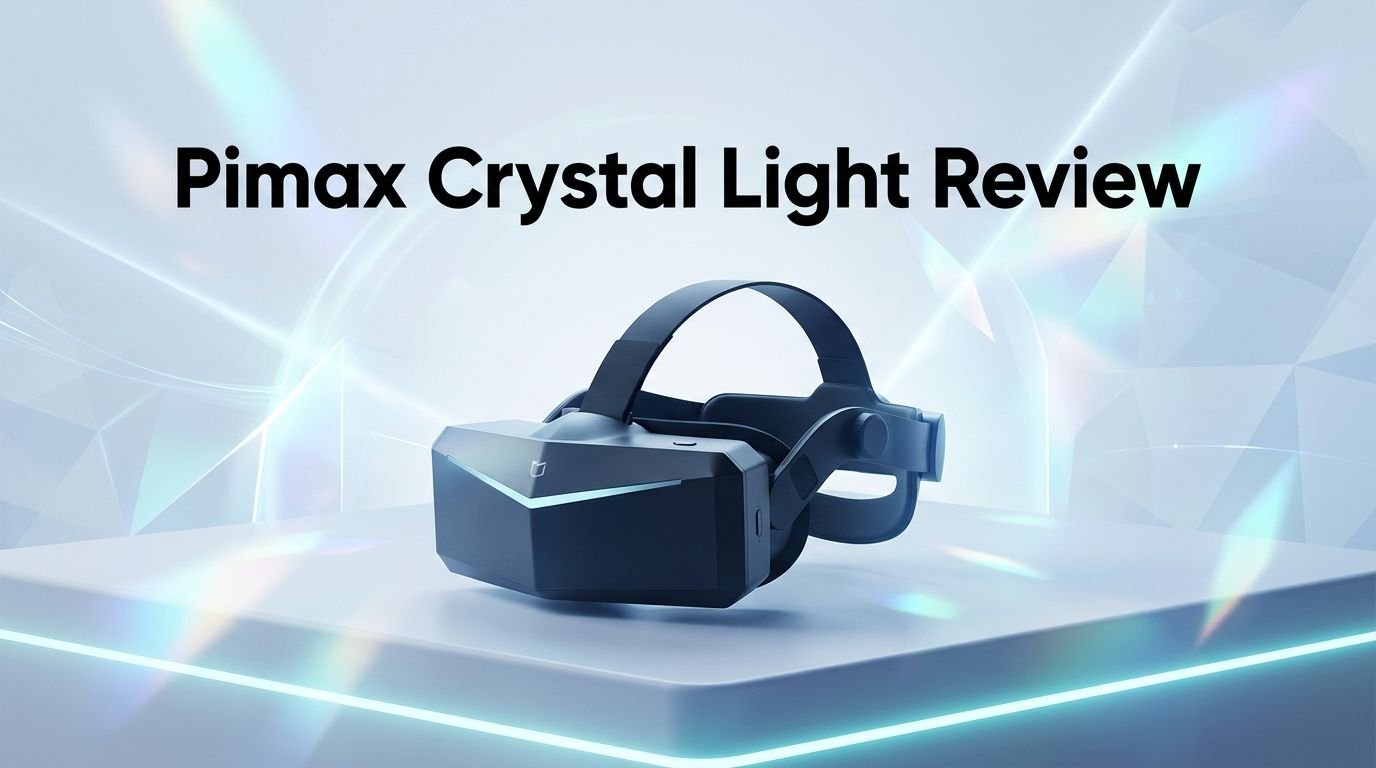
Pimax Crystal Light Review 2026: Top Tier or Trash?
You want the sharpest cockpit view in a VR headset. You want every gauge, every detail, and every track marker to look crisp and clear.
The Pimax Crystal Light has been the go to choice for sim racers and flight sim pilots since its release. But now, in 2026, with new headsets hitting the market every few months, does it still hold up?
This review dives deep into the Pimax Crystal Light. We cover its display, comfort, tracking, software, and overall value.
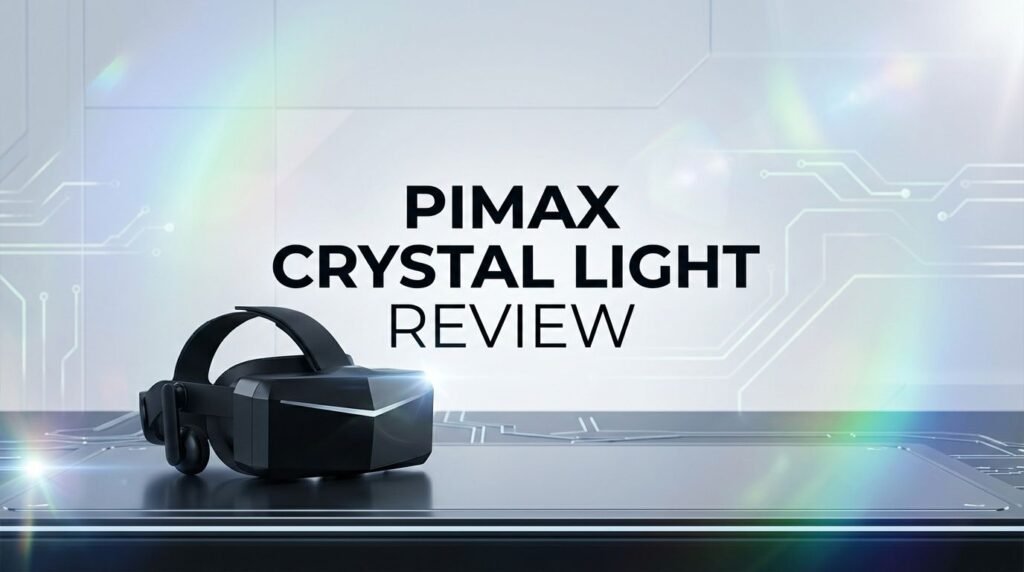
Key Takeaways:
- The Pimax Crystal Light delivers 2880 x 2880 resolution per eye with QLED and Mini LED local dimming panels. This gives you some of the sharpest visuals available in a PCVR headset at this price range. Text, cockpit instruments, and distant objects stay readable without squinting.
- It uses glass aspheric lenses that provide a wide sweet spot and minimal edge distortion. You do not need to constantly adjust the headset on your face to find a clear image. The optical quality remains consistent across a large viewing area.
- The headset connects through DisplayPort, which means zero compression and zero wireless latency. You get the raw image your GPU produces. This matters a lot for sim racing and flight simulation where micro lags break the experience.
- It supports inside out 6DoF tracking with four cameras. No base stations are required. Setup takes minutes. Plug in the DisplayPort cable, plug in USB, and you are ready to fly or race.
- The Pimax Crystal Light is priced around $839 to $899 in 2026, making it one of the best value high end PCVR headsets available. It sits in a sweet spot between budget headsets and the ultra premium Pimax Crystal Super.
- It works with most modern GPUs starting from the RTX 2080 as a minimum, with an RTX 3070 or higher recommended. Features like fixed foveated rendering and adjustable render resolution help it run smoothly even on mid range hardware.

Pimax Crystal Light: Display and Visual Quality
The display on the Pimax Crystal Light is one of its strongest features. Each eye gets a 2880 x 2880 resolution panel powered by QLED technology. This produces vivid, accurate colors and excellent brightness. The local dimming option adds another layer of quality. It controls the backlight in specific zones, so dark areas look truly dark while bright areas stay punchy.
You get roughly 35 pixels per degree (PPD). This number tells you how sharp the image looks at a given viewing angle. At 35 PPD, cockpit gauges, race timing boards, and distant runway markers appear clean and legible. Many users report that this level of clarity makes a real difference in games like DCS World, MSFS 2024, and iRacing.
The QLED panels also handle contrast well. Night flights and dimly lit race tracks benefit from the local dimming feature. You can see subtle details in shadows without the image looking washed out. The overall visual experience feels refined and consistent.
Compared to headsets that use standard LCD panels, the Crystal Light produces noticeably richer imagery. Color accuracy and contrast depth are strengths that set this headset apart from many competitors at similar or even higher price points.
Glass Aspheric Lenses: Why They Matter
The Pimax Crystal Light uses glass aspheric lenses instead of plastic Fresnel lenses found in many other headsets. This design choice has a direct impact on image quality. Glass aspheric lenses reduce god rays, glare, and chromatic aberration. The result is a cleaner image with fewer visual distractions.
One of the biggest advantages is the wide sweet spot. You do not need to position the headset perfectly on your face to get a clear image. Small shifts in position do not cause major blurriness at the edges. This is a huge deal for long gaming sessions where comfort adjustments are common.
Edge to edge clarity is another benefit. Many VR headsets produce sharp images in the center but get blurry near the edges. The Crystal Light’s aspheric design minimizes this falloff, giving you a more uniform visual experience across your field of view.
The 105 degree horizontal field of view pairs well with these lenses. You get enough peripheral vision to feel immersed without the optical compromises that come with extremely wide FOV headsets. For sim racers checking mirrors and flight sim pilots scanning for targets, this balance works well.
Comfort and Build Quality
The Pimax Crystal Light weighs 815 grams. That is heavier than some standalone headsets, but it is well distributed. The headset sits securely on your head with a sturdy strap system. Rubber light blockers around the nose prevent light leakage and improve the sense of immersion.
The face cushion is soft and breathable. Long sessions of two to three hours remain comfortable for most users. The manual IPD adjustment ranges from 58mm to 72mm, covering a wide range of face shapes. You can dial in the perfect lens spacing without relying on software adjustments.
Build quality feels premium. The materials are solid and the overall construction gives confidence that this headset will last. There are no creaks or flex points. The cable connections are secure and well protected.
Some users note that the headset is front heavy, especially compared to lighter headsets like the Meta Quest 3. Adding a counterweight to the back strap can help balance the weight. Several third party accessories exist for this purpose. Overall, comfort is good for a high end PCVR headset of this size and capability.
Top 3 Alternatives for Pimax Crystal Light
If the Pimax Crystal Light does not fit your needs or budget, here are three strong alternatives worth considering.
1. Meta Quest 3 (512GB)

The Meta Quest 3 is a standalone headset that also works as a PCVR device with a link cable or Air Link. It offers 2064 x 2208 resolution per eye and a wide ecosystem of standalone games. It is lighter and more affordable. However, its visual clarity falls short of the Crystal Light for simulator use. It is a great option if you want versatility and casual VR along with PCVR capability.
2. HTC Vive Focus Vision

The HTC Vive Focus Vision is a hybrid headset with 2448 x 2448 resolution per eye and DisplayPort streaming support. It includes eye tracking and supports full body trackers. This makes it a solid pick for social VR and professional applications. Its visual quality sits between the Meta Quest 3 and the Pimax Crystal Light.
3. Pimax Crystal Super

The Pimax Crystal Super is the big brother of the Crystal Light. It features 3840 x 3840 resolution per eye and up to 50 PPD. If you have a top tier GPU like the RTX 4090 or RTX 5090 and want the absolute best visual quality, the Crystal Super delivers. It costs significantly more, but the upgrade in sharpness and detail is substantial.
Tracking Performance: Inside Out 6DoF
The Pimax Crystal Light uses four inside out tracking cameras for 6DoF tracking. This means you do not need external base stations. The headset scans your room and tracks both your head movement and your controllers using a SLAM algorithm.
Tracking accuracy is reliable for sim use. In flight sims and racing games, head tracking stays smooth and responsive. You can lean forward to check instruments, look around the cockpit, and glance at mirrors without any noticeable lag or drift.
For standing VR games, the tracking performs well within a reasonable play area. The controllers track accurately in front of you and to the sides. There are occasional tracking dips if you move your hands far behind your back, but this is common with all inside out tracking systems.
The headset also supports a lighthouse faceplate for SteamVR base station tracking. If you already own base stations and want even more precise tracking, you can swap faceplates. This flexibility is a nice bonus that many competitors do not offer.
Software Experience: Pimax Play
Pimax Play is the companion software for the Crystal Light. It handles firmware updates, display settings, tracking modes, and render resolution adjustments in one unified app. The interface has improved significantly over the past two years.
You can adjust the render resolution per game. This lets you optimize performance for demanding titles while pushing quality higher in less intensive games. Fixed foveated rendering 2.0 reduces the render load at the edges of the display while keeping the center sharp. This boosts frame rates without a major visual penalty.
Smart smoothing is another useful feature. When your GPU cannot maintain the target refresh rate, smart smoothing fills in frames to keep the experience smooth. This works well at 90Hz and 120Hz refresh rates.
Pimax Play also provides options for adjusting the field of view, brightness, and color profiles. The software is stable and has received regular updates throughout 2025 and into 2026. Early criticisms about Pimax software instability have largely been addressed. The experience in 2026 is far more polished than it was at launch.
Refresh Rate Options and Performance
The Pimax Crystal Light supports four refresh rate options: 60Hz, 72Hz, 90Hz, and 120Hz. Most users run it at 90Hz for a balance between visual smoothness and GPU demand. The 120Hz mode provides an extra level of fluidity, but it requires a powerful GPU to maintain consistent frame rates at the headset’s high resolution.
For flight simulation games, 90Hz is the sweet spot. It delivers smooth head tracking and motion without pushing your GPU too hard. Racing games benefit more from 120Hz because of the fast lateral movement and quick turns.
The variable refresh rate support helps the headset adapt to GPU output. When your frame rate dips slightly below the target, the display adjusts to prevent tearing and stuttering. This feature works alongside smart smoothing to create a consistently fluid experience.
At 60Hz, the headset is usable but not ideal for fast action. This mode works best for slow paced experiences like virtual tours or cockpit familiarization. For active gaming, 90Hz or higher is recommended.
Field of View: How Wide Is It?
The Pimax Crystal Light offers a 105 degree horizontal field of view. This is wider than the Meta Quest 3’s roughly 96 degree FOV but narrower than the ultra wide options offered by older Pimax models like the 8KX.
For simulation games, 105 degrees provides a good balance. You can see enough of the cockpit and environment to feel immersed. Side mirrors in racing games and peripheral targets in flight sims stay visible without requiring extreme head turns.
Some users coming from wider FOV headsets may notice the difference initially. However, the trade off is better optical quality across the entire field of view. A wider FOV with lower clarity often feels less immersive than a moderate FOV with excellent sharpness.
The field of view can also be adjusted slightly through Pimax Play software settings. This gives you control over how much peripheral vision you want. Most long term users settle on the default 105 degrees because it provides the best combination of clarity and awareness.
Audio Quality and Microphone
The Pimax Crystal Light includes integrated speakers that deliver decent spatial audio. The sound is clear and provides good positional awareness. Engine sounds, radio chatter, and environmental audio all come through with enough detail for an enjoyable experience.
If you want better audio, the headset has a 3.5mm headphone jack for external headphones. It is also compatible with the Pimax DMAS (Dual Magnetic Audio System), an optional upgrade that attaches to the headset and provides superior sound quality without covering your ears.
The built in dual microphones work well for voice chat and communication in multiplayer games. Voice comes through clearly and background noise is managed reasonably. For streaming or recording, an external microphone will still give better results.
Audio is often overlooked in VR headset reviews, but it plays a major role in immersion. The Crystal Light’s audio setup covers the basics well and gives you upgrade paths if you want more.
PC Requirements and GPU Compatibility
The minimum GPU for the Pimax Crystal Light is the NVIDIA RTX 2080. This will run most games at reduced settings and lower render resolution. For a comfortable experience at medium to high settings, an RTX 3070 or higher is recommended.
Users with RTX 4080 or RTX 4090 cards report the best results. These GPUs handle the high resolution panels at 90Hz or 120Hz with room to spare. Fixed foveated rendering helps lower end GPUs punch above their weight by reducing the render workload at the edges of the display.
CPU requirements are also important. A modern processor like the Intel i7 12th gen or AMD Ryzen 7 5800X and above will prevent CPU bottlenecks. Simulator games are often CPU intensive, so a strong processor matters as much as a good GPU.
RAM should be 16GB minimum, with 32GB recommended for simulator titles that load large environments. SSD storage speeds up game loading and reduces texture pop in. The Crystal Light does not have extreme requirements, but it rewards powerful hardware with a significantly better visual experience.
Who Should Buy the Pimax Crystal Light in 2026?
The Pimax Crystal Light is built for a specific audience. Sim racers and flight sim enthusiasts will get the most value from this headset. If you spend hours in iRacing, DCS World, MSFS 2024, or Le Mans, the visual clarity and stable PCVR connection make a genuine difference.
It also works well for seated VR experiences, virtual cockpit builders, and anyone who values image quality over wireless convenience. The DisplayPort connection and zero compression pipeline appeal to users who want the best possible picture from their GPU.
Casual VR gamers who mostly play Beat Saber or Gorilla Tag might find the headset heavier and more complex than they need. A standalone headset like the Meta Quest 3 serves that audience better.
If you are upgrading from an HP Reverb G2 or an older Pimax model, the Crystal Light is a strong step forward in clarity and software stability. Many G2 owners have made the switch and report satisfaction with the improved FOV, better lenses, and more reliable tracking.
Pimax Crystal Light vs Pimax Crystal Super
The Crystal Super costs about twice as much as the Crystal Light. It offers 3840 x 3840 resolution per eye and up to 57 PPD. The visual upgrade is real and noticeable. However, it demands a top tier GPU like the RTX 4090 or RTX 5090 to run at its full potential.
The Crystal Light’s 2880 x 2880 resolution and 35 PPD are still excellent for most users. You get 80% to 90% of the visual experience at roughly half the price. For many sim players, that trade off makes sense.
The Crystal Super also weighs more and costs more to maintain at peak performance. If your GPU is in the RTX 3070 to RTX 4070 range, the Crystal Light is the smarter buy. It will run better on your hardware and still deliver an impressive visual experience.
Choose the Crystal Super only if you have the budget and the GPU to match. For everyone else, the Crystal Light remains the better value in 2026.
Long Term Durability and Reliability
The Pimax Crystal Light has been on the market long enough to prove its durability. Users who bought it in 2024 and early 2025 report consistent performance with no major hardware failures. The lenses remain clear, the cables hold up, and the tracking cameras continue to function well.
Pimax has released regular firmware and software updates through 2025 and into 2026. These updates have improved tracking accuracy, software stability, and game compatibility. The headset feels better to use now than it did at launch.
The build quality supports long term use. The glass lenses do not scratch as easily as plastic alternatives. The adjustable strap and face cushion are replaceable if they wear out. Pimax also sells replacement parts, so you are not stuck if something needs fixing.
For a headset in this price range, the long term reliability is reassuring. You are investing in a product that has a proven track record and ongoing support from the manufacturer.
Final Verdict: Is the Pimax Crystal Light Worth It in 2026?
Yes. The Pimax Crystal Light remains one of the best value high end PCVR headsets available in 2026. Its combination of sharp visuals, reliable tracking, stable software, and direct DisplayPort connection makes it a top pick for sim racers and flight sim pilots.
It is not the newest headset on the market. It does not have wireless capabilities or standalone features. But for pure PCVR visual quality at this price, very few headsets compete. The glass aspheric lenses, QLED panels with local dimming, and wide sweet spot deliver a visual experience that still impresses.
If you value clarity, stability, and long term reliability over flashy new features, the Pimax Crystal Light earns a strong recommendation in 2026. It does exactly what it promises and does it well.
Frequently Asked Questions
Is the Pimax Crystal Light good for flight simulators?
Yes. The Pimax Crystal Light is one of the best headsets for flight simulation. Its 2880 x 2880 resolution per eye and 35 PPD make cockpit instruments and distant objects sharp and readable. Games like MSFS 2024 and DCS World look excellent on this headset. The wide sweet spot from the glass aspheric lenses means you can glance around the cockpit without losing clarity.
Does the Pimax Crystal Light work without base stations?
Yes. The headset uses four inside out tracking cameras for 6DoF tracking. No external base stations are needed. You can set up and start playing within minutes. If you prefer base station tracking for extra precision, the headset supports an optional lighthouse faceplate.
What GPU do I need for the Pimax Crystal Light?
The minimum requirement is an NVIDIA RTX 2080. For a good experience at higher settings, an RTX 3070 or above is recommended. Users with RTX 4080 or 4090 cards get the best performance. Fixed foveated rendering and adjustable render resolution help mid range GPUs run the headset smoothly.
How does the Pimax Crystal Light compare to the Meta Quest 3?
The Crystal Light offers significantly higher resolution (2880 x 2880 vs 2064 x 2208 per eye) and uses a direct DisplayPort connection for zero compression PCVR. The Meta Quest 3 is better for standalone use and casual gaming. The Crystal Light is better for serious sim racing and flight simulation where visual clarity is the top priority.
Is the Pimax Crystal Light comfortable for long sessions?
Most users find it comfortable for sessions of two to three hours. The strap system distributes the 815 gram weight reasonably well. Adding a counterweight to the back can improve balance. The face cushion is soft and the manual IPD adjustment (58mm to 72mm) accommodates most face shapes.
Can I use prescription lenses with the Pimax Crystal Light?
Yes. Companies like Reloptix make prescription lens inserts specifically for the Pimax Crystal and Crystal Light. These snap in and provide clear vision without wearing glasses inside the headset. They support a wide range of prescriptions including higher diopter values.