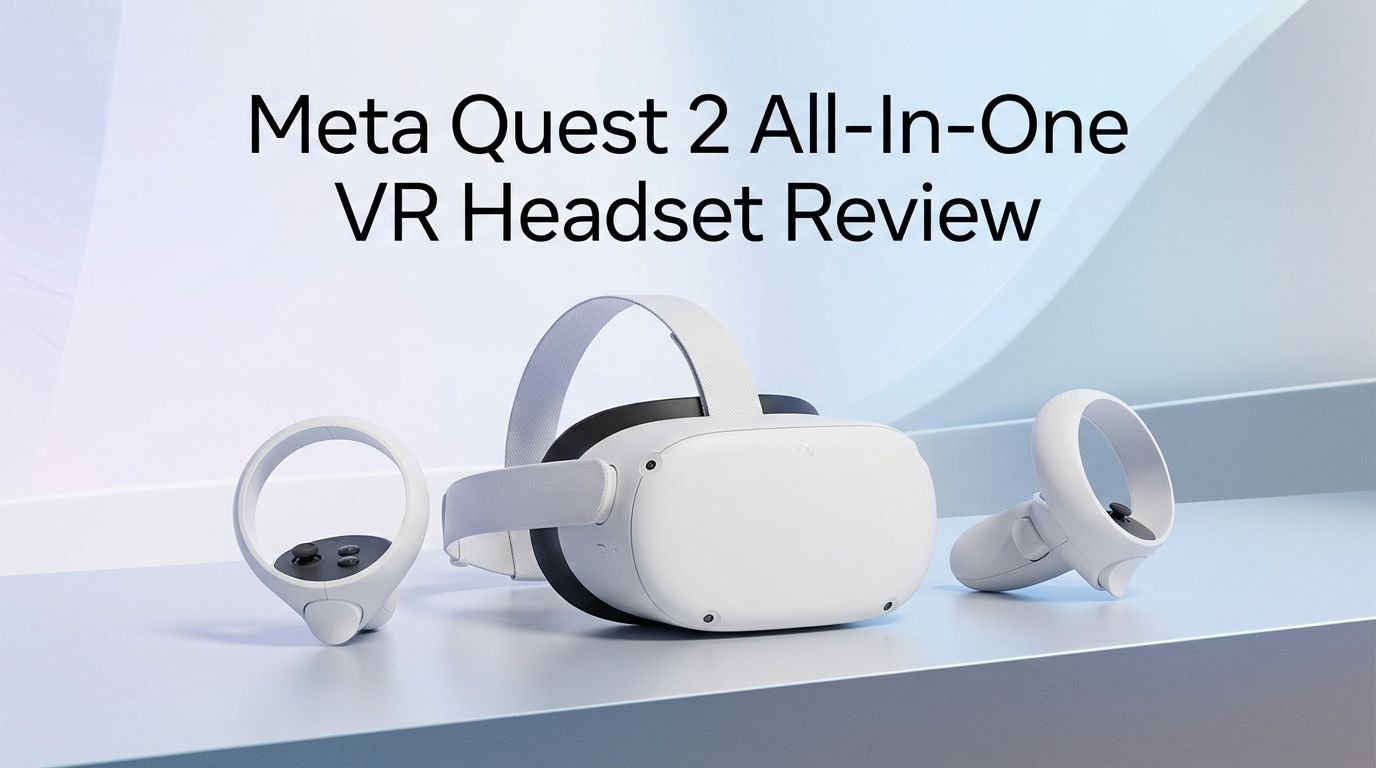
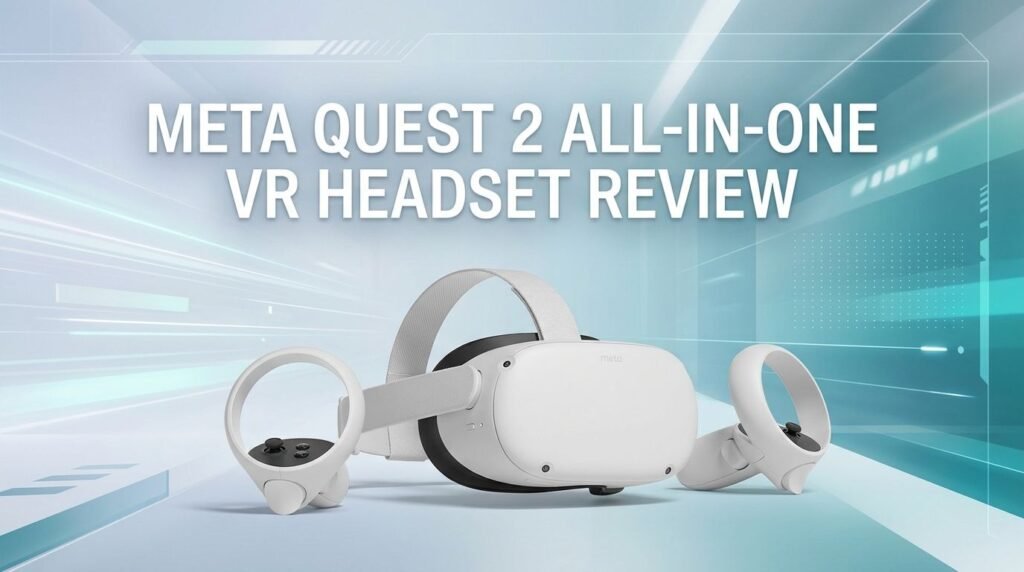
Meta Quest 2 All-In-One VR Headset Review 2026: Worth Buying?
So you’ve heard about the Meta Quest 2, and you want to know if it still holds up in 2026. Maybe you spotted one at a great price. Maybe a friend is selling theirs. Or maybe you just want to enter the world of virtual reality without spending a fortune.
Here’s the truth. The Meta Quest 2 was a game changer when it launched in 2020. It brought standalone VR to the masses at an affordable price. But now, with newer headsets flooding the market, does it still make sense to pick one up?
In this review, we dig deep into every aspect of the Meta Quest 2. We cover its hardware, display, comfort, game library, and long term support.
Key Takeaways:
- The Meta Quest 2 is no longer sold new by Meta. Sales officially ended on December 31, 2024. You can only find it through third party sellers, refurbished listings, or the used market. This means prices vary a lot, and you may find exceptional deals under $100.
- Feature updates will continue until December 2026. Meta has confirmed that the Quest 2 will keep receiving Horizon OS updates and new features through the end of this year. After that, only critical bug fixes and security patches will roll out until December 2027.
- The game library is still massive and growing. The Quest Store has hundreds of titles that remain compatible with the Quest 2. Popular games like Beat Saber, Superhot VR, and Resident Evil 4 still run great on this headset.
- Performance is solid but clearly behind newer models. The Snapdragon XR2 processor and 6 GB of RAM handle most standalone VR games well. But newer titles are starting to skip Quest 2 support in favor of the Quest 3 and Quest 3S.
- It remains one of the best budget entry points into VR. If you can grab a Quest 2 for $50 to $150 on the used market, it offers incredible value. Few devices give you this level of immersive VR at that price range.
- PCVR support keeps it relevant. You can connect the Quest 2 to a gaming PC via Air Link or a USB cable. This opens the door to the entire SteamVR library with higher quality graphics than standalone mode.

Meta Quest 2 All-In-One VR Headset Overview
The Meta Quest 2 is a standalone virtual reality headset that requires no PC, no external sensors, and no wires. You put it on, set up your play area, and jump straight into VR. Meta originally launched it in October 2020 under the Oculus brand. It later got the Meta name change in 2022.
This headset runs on the Qualcomm Snapdragon XR2 processor with 6 GB of LPDDR4X RAM. It comes in 128 GB and 256 GB storage options. The display uses a single fast switch LCD panel with a resolution of 1832 x 1920 pixels per eye. The refresh rate supports 72 Hz, 90 Hz, and 120 Hz in certain titles.
At just 503 grams, it remains one of the lighter standalone headsets available. It ships with two Touch controllers that run on AA batteries. The built in battery lasts about 2 to 3 hours depending on the game. A full charge takes roughly 2.5 hours.
The Quest 2 also supports hand tracking, which lets you interact with menus and some games without holding any controllers. This feature has improved over time through software updates.
Display Quality and Visual Experience
The Meta Quest 2 features a single LCD panel that splits the image for each eye. Each eye gets a resolution of 1832 x 1920 pixels. This was impressive in 2020, and it still delivers a clear, enjoyable VR experience today.
The headset uses Fresnel lenses, which are common in this price range. These lenses work well for the center of your vision. But you will notice some blur around the edges. God rays can also appear around high contrast elements. This is one area where newer headsets have a clear advantage, as the Quest 3 uses pancake lenses for a wider sweet spot.
Colors look good overall. Blacks are not truly deep because this is an LCD panel, not OLED. Dark scenes in games and movies can appear slightly washed out. But for most gaming and social VR, the image quality is perfectly fine.
The 120 Hz refresh rate option is a nice bonus. Higher refresh rates reduce motion sickness and make movement feel smoother. Not all games support 120 Hz, but many popular titles have added it through updates. The difference between 72 Hz and 120 Hz is noticeable and worth enabling.
Comfort and Build Quality
The Meta Quest 2 has a clean, minimalist white design. The plastic shell feels sturdy but not premium. It can take a few bumps without issue, which matters because VR gaming involves a lot of movement.
The default head strap is a soft fabric strap that works but has its limits. Many users report discomfort during long sessions because the headset feels front heavy. This is the biggest comfort complaint about the Quest 2. The good news is that many third party head straps exist. An elite strap or a halo style strap can dramatically improve comfort.
The facial interface uses soft foam padding that rests against your face. It does the job for shorter sessions. For longer play, you may want to upgrade to a silicone or PU leather replacement. These aftermarket options are cheap and widely available.
IPD (interpupillary distance) adjustment is handled by physically sliding the lenses into three preset positions: 58mm, 63mm, or 68mm. This covers most adults but may not be ideal if your IPD falls between these settings. Newer headsets offer continuous IPD adjustment, which gives a sharper image for more people.
Performance and Processing Power
The Qualcomm Snapdragon XR2 chip inside the Quest 2 was top of the line for XR devices when it launched. It delivers solid performance for standalone VR gaming. Most games run at stable frame rates with acceptable visual quality.
However, this chip is now two generations behind the Snapdragon XR2 Gen 2 used in the Quest 3. You will see the difference in texture quality, draw distance, and overall graphical detail. Games built for the Quest 3 often look noticeably sharper and more detailed than their Quest 2 versions.
The 6 GB of RAM handles multitasking and game loading reasonably well. Loading times can feel slow compared to newer hardware. Some larger games take 30 seconds or more to load, which can break immersion slightly.
Top 3 Alternatives for Meta Quest 2
1. Meta Quest 3S

2. Meta Quest 3

3. PlayStation VR2

Game Library and Content Availability
The Meta Quest 2 has access to one of the largest VR game libraries on any platform. The Meta Quest Store offers hundreds of titles across every genre. Action, puzzle, fitness, social, simulation, horror, and sports games are all well represented.
Standout titles include Beat Saber, The Walking Dead: Saints & Sinners, Resident Evil 4 VR, Superhot VR, Population: One, and Gorilla Tag. Many of these games receive ongoing updates and new content. The quality of available games is one of the Quest 2’s strongest selling points even in 2026.
There is an important caveat. Some newer games are dropping Quest 2 support. Developers are starting to build exclusively for the Quest 3 and Quest 3S hardware. This trend will only accelerate as the Quest 2 moves further into legacy status. If you buy a Quest 2 today, expect the new release pipeline to slow down over time.
PCVR Compatibility and Streaming
One of the Quest 2’s biggest strengths is its ability to double as a PCVR headset. You can connect it to a VR ready gaming PC and access the entire SteamVR and Oculus PC library. This dramatically expands what you can play and how good it looks.
You have two main connection methods. Air Link uses your Wi-Fi network to stream VR wirelessly from your PC. This works best with a 5 GHz Wi-Fi 6 router in the same room as your play space. The second option is Oculus Link, which uses a USB C cable for a more stable, lower latency connection.
PCVR mode transforms the Quest 2 experience. Games like Half-Life: Alyx, Boneworks, Microsoft Flight Simulator, and Skyrim VR look significantly better than anything running natively on the headset. If you have a capable gaming PC, PCVR mode alone justifies owning a Quest 2.
Battery Life and Charging
The Meta Quest 2 packs a 3,640 mAh battery that delivers roughly 2 to 3 hours of use per charge. The exact battery life depends on the game or app you run. Graphically demanding games drain the battery faster than simple experiences.
Two to three hours is adequate for most VR sessions. Many users find that VR fatigue sets in around the 90 minute mark anyway. But if you want longer play sessions, you will need a solution.
Several battery pack accessories snap onto the back of the headset. These extend battery life to 4 or even 6 hours. They also add a counterweight that improves comfort by balancing the front heavy design. This is one of the most recommended upgrades for Quest 2 owners.
Tracking and Controllers
The Meta Quest 2 uses inside out tracking with four cameras on the headset. These cameras map your room and track the position of the controllers. No external base stations are needed.
Tracking accuracy is very good for most games. Fast movements and close range interactions track reliably. You may experience occasional tracking loss if your hands move behind your back or outside the camera’s field of view. This is a limitation of all inside out tracking systems.
The Touch controllers feel well built and comfortable. They have thumbsticks, triggers, grip buttons, and two face buttons each. The ergonomic design fits naturally in most hand sizes. The controllers run on a single AA battery each, and a fresh pair of batteries lasts about 30 to 40 hours of gameplay.
Hand tracking is also supported. You can navigate menus, browse the web, and play certain games without any controllers. Hand tracking has improved a lot through software updates. It works well for casual interactions, but most serious games still require the Touch controllers for precision.
Setup Process and User Experience
Setting up the Meta Quest 2 takes about 10 to 15 minutes. You need a Meta account to get started. Once logged in, the headset walks you through a tutorial that explains the basics of VR navigation.
The guardian system lets you draw a virtual boundary around your play space. The headset shows a grid wall when you approach the edge. This keeps you safe from bumping into furniture, walls, or other objects. You can set up a stationary boundary for seated use or a roomscale boundary for full movement.
The home environment is simple and easy to navigate. You can browse the store, launch games, adjust settings, and access your library from a floating menu. The interface responds quickly and rarely lags.
Fitness and Health Applications
VR fitness has become one of the most popular uses for the Meta Quest 2. Games like Beat Saber, Supernatural, FitXR, and Thrill of the Fight deliver real workouts that burn calories and build endurance.
The headset tracks your head and hand movements throughout these sessions. Some fitness apps estimate calories burned and track workout history. This turns VR gaming into a genuine exercise routine that feels more fun than a treadmill or stationary bike.
The lightweight design of the Quest 2 helps during active play. A good head strap and sweat resistant facial interface are important for fitness use. Many users report losing significant weight through regular VR exercise routines.
Social VR and Multiplayer Features
The Meta Quest 2 gives you access to a thriving social VR ecosystem. Platforms like VRChat, Rec Room, and Meta Horizon Worlds let you hang out, play games, and attend events with people from around the globe.
Multiplayer gaming is a highlight of the Quest 2 experience. Games like Population: One, Echo VR, Walkabout Mini Golf, and Gorilla Tag have active communities. Playing with friends in VR feels more connected and personal than flat screen multiplayer.
The headset has built in speakers and a microphone for voice chat. Sound quality is decent for social interactions. For a more private and immersive experience, you can plug in any 3.5mm headphones.
Meta’s social features include friend lists, party chat, and the ability to invite others into games. You can also share your VR view with people watching on a phone or tablet through the Meta Quest app. This casting feature is great for showing VR to family and friends.
Meta Quest 2 Support Timeline: What to Expect
This is a critical factor for anyone considering the Quest 2 in 2026. Meta has clearly outlined the support timeline for this headset.
Feature updates continue through December 2026. This means the Quest 2 will keep receiving new Horizon OS features and improvements for the rest of this year. After December 2026, no new features will be added.
Bug fixes and security patches will continue until December 2027. This gives the headset another year of essential maintenance after feature updates stop. Your headset will remain safe and functional during this period.
Games already purchased and downloaded will continue to work beyond the support window. The headset will not stop functioning when updates end. You just will not receive new features or have access to newer apps that require updated software.
If long term support matters to you, a Quest 3 or Quest 3S is the smarter investment. These newer headsets will receive updates for years to come. The Quest 2 is best suited for buyers who want a budget VR experience right now and understand the limited future support.
Who Should Buy the Meta Quest 2 in 2026?
The Quest 2 is not for everyone in 2026. But for certain buyers, it makes a lot of sense.
Budget VR beginners will love it. If you can find a Quest 2 for under $100, it is an incredible deal. You get a full standalone VR headset with a massive game library at the price of a video game. This is the cheapest way to experience quality VR.
PCVR enthusiasts on a budget should also consider it. The Quest 2 functions as a wireless PCVR headset through Air Link or ALVR. If you already own a gaming PC, the Quest 2 gives you access to the entire SteamVR catalog without spending $300 or more on a newer headset.
Casual and curious users who just want to try VR will find the Quest 2 perfectly adequate. It handles the most popular VR games and experiences without any issues. You do not need cutting edge hardware to enjoy Beat Saber or VRChat.
However, if you want the latest games, the best visuals, and years of future support, skip the Quest 2. The Meta Quest 3S at $299 is the better long term choice. It offers a massive performance upgrade and will receive updates for much longer.
Pros and Cons of the Meta Quest 2 in 2026
What the Quest 2 does well: The price on the used market is unbeatable. The game library is enormous. PCVR support extends its usefulness beyond standalone mode. Setup is quick and easy. The headset is lightweight and portable.
Where the Quest 2 falls short: The Fresnel lenses produce more blur and god rays than pancake lenses. Battery life caps out around 2 to 3 hours. The default head strap is uncomfortable for long sessions. Newer games are starting to drop Quest 2 support. Feature updates end in December 2026. The display, while good, cannot match the clarity of the Quest 3.
The Quest 2 earns its place as the best budget VR headset you can find in 2026. It does not lead the pack in any single category anymore. But for the price, nothing else delivers this level of VR quality.
Final Verdict: Meta Quest 2 All-In-One VR Headset
The Meta Quest 2 remains a capable and enjoyable VR headset in 2026. It offers a great library of games, solid tracking, decent visuals, and the flexibility of both standalone and PCVR use. For anyone shopping on a tight budget, it provides genuine value that is hard to argue against.
The clock is ticking on official support. Feature updates stop in December 2026, and security patches end in December 2027. This limits the headset’s long term potential. New game releases will increasingly target newer hardware.
If you can find one for $50 to $150, the Quest 2 is an excellent first VR headset. If your budget allows $299 or more, the Meta Quest 3S is the smarter buy for the future. The Quest 2 earned its legendary status, and it still delivers a fun, immersive VR experience today.
Frequently Asked Questions
Is the Meta Quest 2 still worth buying in 2026?
Yes, if you find one at a good price. The Quest 2 delivers a quality VR experience with access to hundreds of games. It is the most affordable way to get into VR in 2026. Just keep in mind that feature updates end in December 2026 and security patches end in December 2027.
Can I still download and play games on the Meta Quest 2?
Absolutely. The Meta Quest Store remains fully accessible for Quest 2 users. You can buy, download, and play games as usual. Some newer titles may not support the Quest 2, but the vast majority of the existing library works perfectly.
Does the Meta Quest 2 work with a PC?
Yes. You can connect the Quest 2 to a VR ready PC through Air Link (wireless) or a USB C cable (wired). This gives you access to SteamVR and Oculus PC games with better graphics than standalone mode. Third party apps like ALVR and Virtual Desktop also support wireless PCVR streaming.
How long does the Meta Quest 2 battery last?
The Quest 2 battery lasts about 2 to 3 hours on a single charge. Battery life depends on the game or app you use. You can extend play time with external battery packs that attach to the headset. Playing while plugged into a power source is also possible.
What is the difference between the Meta Quest 2 and Quest 3?
The Quest 3 has a faster Snapdragon XR2 Gen 2 processor, pancake lenses for a sharper image, full color mixed reality passthrough, and a thinner design. The Quest 2 uses older Fresnel lenses, a first generation XR2 chip, and limited black and white passthrough. The Quest 3 costs more but offers a significantly better experience.
Will the Meta Quest 2 stop working after 2027?
No. The headset will continue to function after support ends. Your downloaded games and apps will still work. You just will not receive new software updates, features, or security patches after December 2027. The hardware itself does not have an expiration date.