Logitech Z207 2.0 Stereo Computer Speaker Review 2026
Are you searching for a budget computer speaker that sounds great and connects to multiple devices? The Logitech Z207 2.0 Stereo Computer Speaker has been a favorite pick for years. It offers Bluetooth 5.0 connectivity, clean stereo sound, and a compact build that fits any desk setup.
But here’s the real question. Does it still hold up in 2026, with so many new options on the market? We spent weeks testing the Z207 across music, movies, gaming, and video calls.
This review covers every detail you need to know before you spend your money. From sound quality to build materials, Bluetooth range to value for money, we break it all down right here.
Key Takeaways:
- Bluetooth 5.0 support lets you pair up to two wireless devices at the same time. You can also connect one wired device through the 3.5mm input. That gives you three total connections, which is rare at this price point.
- 10 Watts Peak / 5 Watts RMS power output fills a small to medium room with clean, balanced stereo sound. The passive radiators in each speaker add a surprising amount of bass for a 2.0 system without a subwoofer.
- Logitech Easy-Switch technology makes jumping between your phone, tablet, and computer effortless. You do not need to disconnect one device before switching to another.
- Compact dimensions of 9.5 x 3.5 x 4.9 inches per speaker make the Z207 a strong choice for tight desks and small workspaces. The total weight is about 2.2 pounds for both units.
- The 3.5mm headphone jack on the right speaker gives you a quick way to plug in headphones for private listening without reaching behind your PC.
- At a street price that often falls under $60, the Z207 delivers solid performance per dollar. It does not compete with audiophile speakers, but it punches well above budget expectations.

Logitech Z207 2.0 Stereo Computer Speaker Overview
The Logitech Z207 is a 2.0 stereo speaker system built for desktop and laptop users. Logitech released this model as part of its affordable multimedia speaker lineup. It targets students, remote workers, and casual listeners who want better audio than built-in laptop speakers.
Each speaker unit holds one active driver and one passive radiator. The active driver handles the full frequency range. The passive radiator boosts low-end bass without the need for a separate subwoofer. Together, the four-driver design produces a wider, more balanced sound.
The Z207 connects through Bluetooth 5.0 or a standard 3.5mm aux cable. This dual-connectivity approach means you can pair your smartphone wirelessly and still keep a wired connection to your desktop PC. Logitech’s Easy-Switch feature allows quick toggling between paired devices.
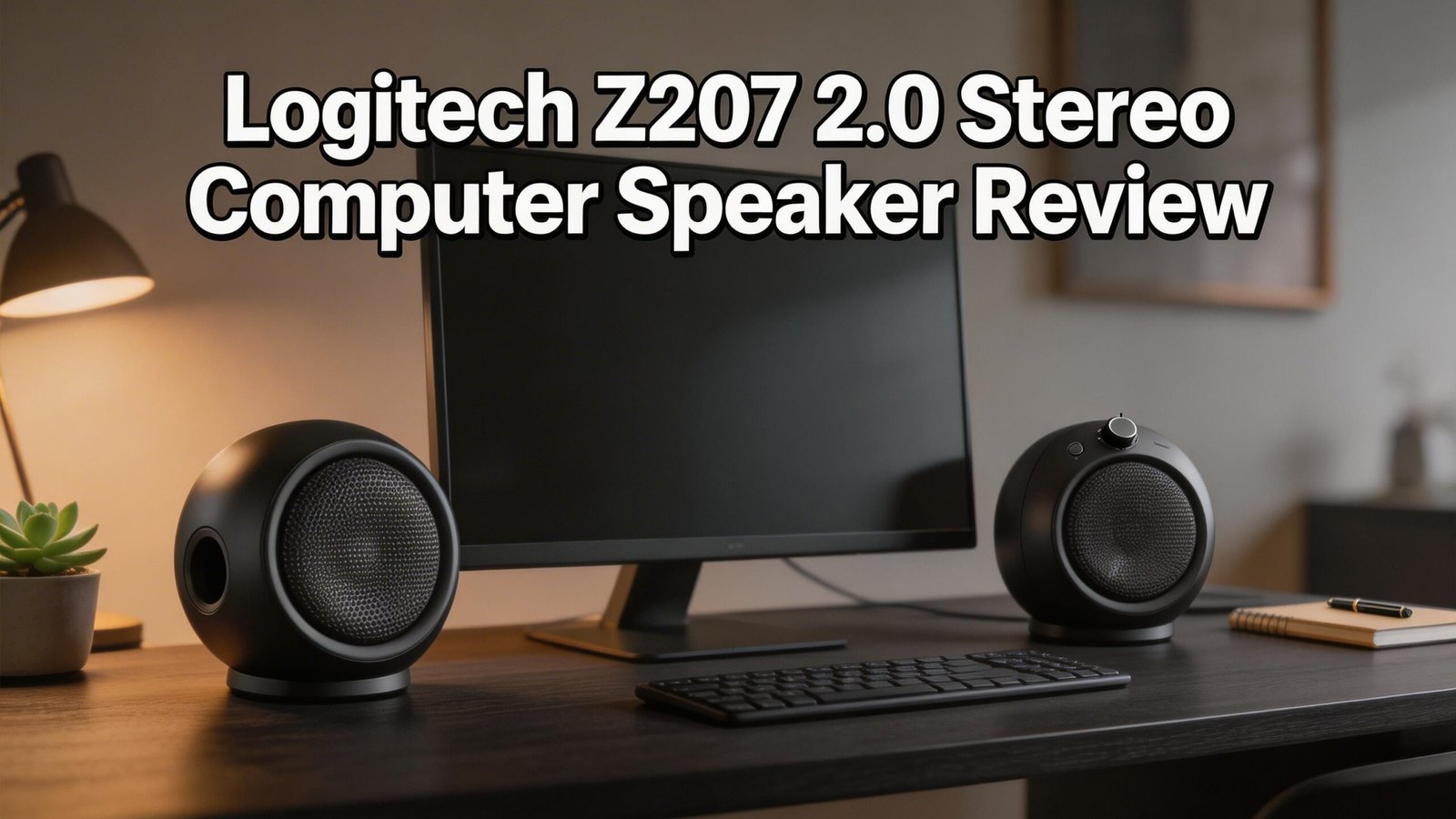
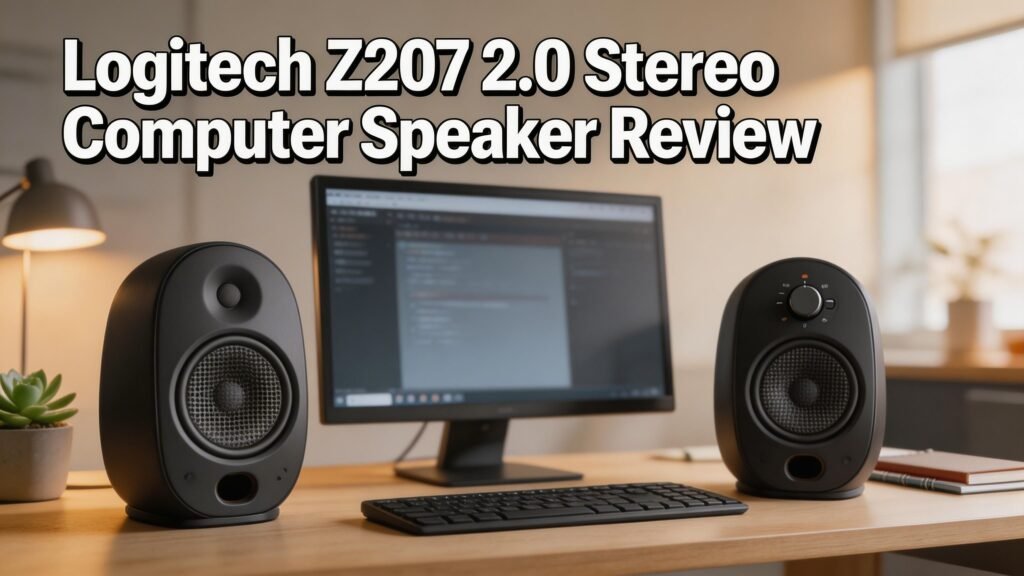
On the outside, the speakers come in black or off-white finishes. Both options have a clean, minimal look that blends into most desk setups. The right speaker carries all the controls: power button, volume dial, Bluetooth pairing button, and a headphone jack.
The Z207 is plug-and-play. There is no software to install. You power it through the included AC adapter, and it is ready to use within seconds.
Build Quality and Design
The Logitech Z207 feels solid for its price. The outer shell is made from sturdy plastic with a matte finish. It does not pick up fingerprints easily. The front of each speaker has a fabric-style grille that adds a modern touch.
Each speaker stands about 9.5 inches tall, which is a comfortable height for desktop use. The base is wide enough to keep the units stable on flat surfaces. We did not experience any tipping during testing, even with the volume turned high.
The right speaker serves as the control hub. All buttons and dials sit on its side panel. This placement keeps controls within arm’s reach. The volume knob has a smooth rotation with enough resistance to avoid accidental changes.
Cable management is straightforward. The speaker-to-speaker wire runs about 1.5 meters long. The AC power cord adds another standard length. Both cables are flexible and easy to route behind a desk or monitor.
The overall design is understated and clean. These speakers will not grab attention, which is actually a good thing for most users. They look professional in a home office and casual enough for a dorm room.
Sound Quality and Audio Performance
The Z207 delivers clear mid and high tones across all volume levels. Vocals sound crisp in music tracks, podcasts, and video calls. Instruments like acoustic guitars and pianos come through with decent separation.
Bass performance is better than expected for a 2.0 system at this size. The passive radiators in each unit push low-end frequencies further than most small speakers. You will not get thumping bass for EDM or hip-hop, but you will hear a warm, rounded low end that supports most genres.
At maximum volume, the Z207 holds up reasonably well. There is mild distortion at the very top of the range, but most users will never push it that far. At 70 to 80 percent volume, the sound stays clean and distortion-free.
The frequency response range covers 120Hz to 20kHz. That lower limit of 120Hz means the deepest sub-bass frequencies are absent. This is expected at this price and size. For reference, a dedicated subwoofer typically starts around 20Hz to 40Hz.
Stereo separation is good for desktop distance. The left and right channels produce a noticeable soundstage when placed about two to three feet apart. This spacing creates a pleasant listening experience for music, movies, and casual gaming.
Bluetooth Connectivity and Wireless Range
One of the Z207’s best features is its Bluetooth 5.0 support. Pairing is fast and simple. You press and hold the Bluetooth button on the right speaker. Then select “Logi Z207” from your device’s Bluetooth menu. The whole process takes about 10 seconds.
You can pair up to two Bluetooth devices at the same time. This means your phone and tablet can both stay connected. Logitech’s Easy-Switch technology handles the transition between devices without manual disconnects.
The wireless range reaches up to 20 meters (about 66 feet) with a clear line of sight. In real-world use with walls and furniture, expect about 10 to 15 meters of reliable range. This is more than enough for a typical room or home office.
Audio latency over Bluetooth is low enough for video playback and casual gaming. You will not notice significant lip-sync issues during YouTube, Netflix, or Zoom calls. Competitive gamers may still prefer the wired 3.5mm connection for zero-latency audio.
The Bluetooth connection remained stable throughout our testing. We did not experience random disconnects or signal drops. Reconnecting after a device goes to sleep was quick and automatic in most cases.
Top 3 Alternatives for Logitech Z207


Setup Process and Ease of Use
Setting up the Logitech Z207 takes less than two minutes. You unbox the two speakers, connect the speaker-to-speaker cable, plug in the AC adapter, and press the power button. That is the entire wired setup.
For Bluetooth, you press and hold the pairing button on the right speaker for three seconds. The LED indicator blinks blue to signal pairing mode. Select the speaker from your phone, tablet, or laptop. The connection locks in within seconds.
There is no software or driver needed. The Z207 works out of the box with Windows, macOS, ChromeOS, Android, and iOS. You do not need to configure any audio settings beyond selecting the Z207 as your output device.
The 3.5mm aux cable is included in the box. It plugs into the back of the right speaker and connects to your computer’s headphone or audio-out port. This connection works alongside the Bluetooth pairing. You can have three devices ready to go at all times.
Switching between sources is seamless. If you are listening to music on your phone and then start a video on your laptop, the audio switches automatically. This Easy-Switch feature is one of the Z207’s most practical perks for multi-device users.
Performance for Music Listening
Music sounds enjoyable on the Z207, especially for casual listeners. Pop, rock, jazz, and acoustic tracks perform best. The midrange clarity lets vocals shine, and the treble is bright without sounding harsh.
Classical music comes through with decent detail. You can pick out individual instruments in orchestral pieces. The stereo imaging creates a sense of space that smaller speakers often miss.
Bass-heavy genres like hip-hop and electronic music are where the Z207 shows its limits. The passive radiators add warmth, but they cannot replicate the deep sub-bass that a subwoofer provides. Kick drums and bass lines feel present but lack physical impact.
At moderate volume, music sounds rich and full. The sweet spot sits around 60 to 75 percent volume. This range delivers the best balance between clarity, bass response, and distortion-free output.
Streaming from Spotify or Apple Music over Bluetooth maintains solid quality. The Bluetooth 5.0 codec handles compressed audio files well. Audiophiles will want higher-end speakers, but the Z207 satisfies most everyday music listeners.
Performance for Gaming and Movies
Gaming audio on the Z207 is clear and functional. Dialogue in story-driven games comes through without muddiness. Sound effects like footsteps, gunshots, and environmental sounds have decent definition.
The stereo separation helps with directional audio cues in games. You can tell left from right, which adds to the experience in shooters and adventure titles. The Z207 is not a surround-sound system, so do not expect full 360-degree audio positioning.
Movie watching benefits from the speaker’s vocal clarity. Action scenes with explosions and music scores sound solid at medium volumes. The passive radiators add enough rumble to make big moments feel more engaging.
Video calls on Zoom, Teams, and Google Meet also benefit from the Z207. Voices sound natural and clear. The speaker’s output fills a room better than any laptop speaker, making group calls more comfortable.
For competitive gaming where millisecond audio response matters, the wired 3.5mm connection is the better choice. Bluetooth adds a tiny delay that casual gamers will not notice but pros might find distracting.
Power Consumption and Efficiency
The Logitech Z207 runs on an external AC power adapter. This means it draws power from a wall outlet rather than USB. The adapter converts standard household power to the speaker’s operating voltage.
Total power consumption is modest. At 10 watts peak and 5 watts RMS, the Z207 draws very little electricity. Running these speakers for eight hours a day will add a negligible amount to your monthly power bill.
The AC adapter design means the Z207 does not drain your computer’s USB ports. This is an advantage over USB-powered speakers like the Creative Pebble, which pull power from your machine. Your laptop battery stays unaffected.
There is no auto-off or sleep timer built into the Z207. If you leave them on, they stay on. You must press the power button manually or cut power through a surge protector. This is a minor inconvenience for users who prefer automatic power management.
The external adapter is compact and does not block neighboring outlets on a power strip. Its lightweight design makes it easy to manage behind a desk without adding clutter.
Logitech Z207 Specifications at a Glance
Understanding the full spec sheet helps you compare the Z207 with other options. Here are the core numbers that define this speaker system.
The total peak power output is 10 watts with an RMS rating of 5 watts. The RMS number gives a more realistic picture of sustained volume. Five watts RMS is enough to fill a small office or bedroom with comfortable sound.
The frequency response spans 120Hz to 20kHz. This range covers most of the audible spectrum. The 120Hz floor means the deepest bass notes are trimmed, but everything above that plays cleanly.
Bluetooth version is 5.0 with a 20-meter line-of-sight range. The 3.5mm aux input accepts standard audio cables from any device with a headphone jack.
Each speaker measures 9.49 x 3.54 x 4.88 inches (H x W x D). The combined weight is approximately 2.2 pounds (1 kg). These compact dimensions fit well on any desk without stealing valuable workspace.
The speakers come with an AC power adapter, a 3.5mm audio cable, a speaker-to-speaker cable, and user documentation. There is no remote control included.
Who Should Buy the Logitech Z207?
The Z207 is a strong match for students who need affordable desktop speakers with Bluetooth. It connects to a laptop for studying and switches to a phone for music. The compact size fits dorm room desks perfectly.
Remote workers and home office users will appreciate the clear vocal output. Video calls, webinars, and podcast listening all sound better through the Z207 than through built-in laptop speakers. The headphone jack adds flexibility for private listening during shared spaces.
Casual music listeners who want a step up from their monitor’s built-in audio will enjoy the Z207’s balanced sound. It handles most genres well and fills a room with pleasant stereo audio.
The Z207 is not ideal for bass enthusiasts or audiophiles. If you listen to heavy electronic music or want theater-like impact, a 2.1 system with a subwoofer will serve you better. The Z207 also lacks USB-C connectivity, which may bother users who prefer a single-cable setup.
Budget-conscious buyers who want Bluetooth and wired options in one package will find the Z207 hard to beat at its price. It checks many boxes without breaking the bank.
Pros and Cons of the Logitech Z207
Every product has trade-offs. Here is an honest look at where the Z207 excels and where it falls short.
On the positive side, the Bluetooth 5.0 with dual-device pairing is a standout feature. Many speakers at this price only support one Bluetooth connection. The Z207 gives you two wireless plus one wired, totaling three simultaneous connections.
The sound quality is impressive for the size and price. The passive radiator design adds bass depth that purely active 2.0 systems often miss. Vocal clarity stays excellent across the volume range.
Build quality feels reliable. The matte plastic finish resists smudges and minor scratches. The controls are intuitive and easy to reach.
On the downside, the lack of USB-C power is a missed opportunity. Many modern peripherals run on USB-C, and having one more wall adapter can feel outdated. The absence of an auto-off feature is another small annoyance.
Bass response, while decent, will not satisfy everyone. Listeners who crave deep, punchy lows need to look at 2.1 systems or larger bookshelf speakers. The Z207 simply cannot reproduce frequencies below 120Hz.
The included 3.5mm cable could be longer. Users with PCs placed far from their desk may need a separate extension cable.
Logitech Z207 vs. the Competition in 2026
The budget speaker market has grown significantly. How does the Z207 stack up against current competitors?
Against the Creative Pebble V3, the Z207 wins on Bluetooth device management. The Pebble V3 offers USB-C power and slightly higher wattage, but the Z207’s dual Bluetooth pairing with Easy-Switch is more convenient for multi-device users.
The Logitech Z313 offers a 2.1 setup with a subwoofer at a similar price. If bass matters most, the Z313 is the better option. But the Z313 lacks Bluetooth entirely, which limits its flexibility.
The Bose Companion 2 Series III outperforms the Z207 in raw audio quality. Bose’s signal processing creates a wider, more refined soundstage. However, the Bose pair costs significantly more and has no wireless connectivity.
For users who value wireless convenience, compact design, and multi-device switching, the Z207 remains one of the best choices under $60. It may not lead in any single category, but its combination of features at this price is hard to match.
The Z207 has proven its staying power. Logitech continues to sell it in 2026 because it fills a practical need with reliable execution.
Final Verdict: Should You Buy the Logitech Z207 in 2026?
The Logitech Z207 remains a smart purchase in 2026 for anyone who needs a compact, wireless-capable desktop speaker. It will not blow you away with earth-shaking bass or audiophile-grade detail. But it delivers exactly what it promises: clean stereo sound, flexible connectivity, and hassle-free setup.
If your priorities include Bluetooth multi-device pairing, a small footprint, and a price under $60, the Z207 should be on your shortlist. It handles music, movies, gaming, and video calls with consistent quality.
For buyers who want more bass, consider the Z313 or a 2.1 system. For those who prioritize pure sound quality over wireless convenience, the Bose Companion 2 Series III is a worthy upgrade.
The Z207 sits in a sweet spot between price, features, and performance. That balance is why it continues to earn positive reviews years after its original release. It is a dependable choice that gets the job done without fuss.
FAQs
Does the Logitech Z207 have Bluetooth?
Yes, the Logitech Z207 supports Bluetooth 5.0. You can pair up to two devices wirelessly at the same time. A third device can connect through the 3.5mm aux cable. This gives you three total connections ready for instant switching.
Can I use the Logitech Z207 with a TV?
You can connect the Z207 to a TV that has a 3.5mm audio output or Bluetooth support. Most modern smart TVs include at least one of these options. The speakers will improve your TV audio compared to thin built-in TV speakers.
Does the Logitech Z207 have a subwoofer?
No, the Z207 is a 2.0 stereo system without a separate subwoofer. Each speaker uses a passive radiator to enhance bass response. The result is decent low-end sound, but it will not match a dedicated subwoofer’s output.
How do I pair the Logitech Z207 with my phone?
Press and hold the Bluetooth button on the right speaker until the LED blinks blue. Open your phone’s Bluetooth settings and select “Logi Z207” from the available devices. The connection completes in seconds and will auto-reconnect in the future.
Is the Logitech Z207 good for gaming?
The Z207 works well for casual and story-driven gaming. It provides clear dialogue and decent stereo separation for directional cues. Competitive gamers who need surround sound or ultra-low latency should consider a dedicated gaming headset instead.
What is the warranty on the Logitech Z207?
Logitech provides a 1-year limited hardware warranty for the Z207 in most regions. The warranty covers manufacturing defects. You can register your product on Logitech’s website for support and warranty claims.