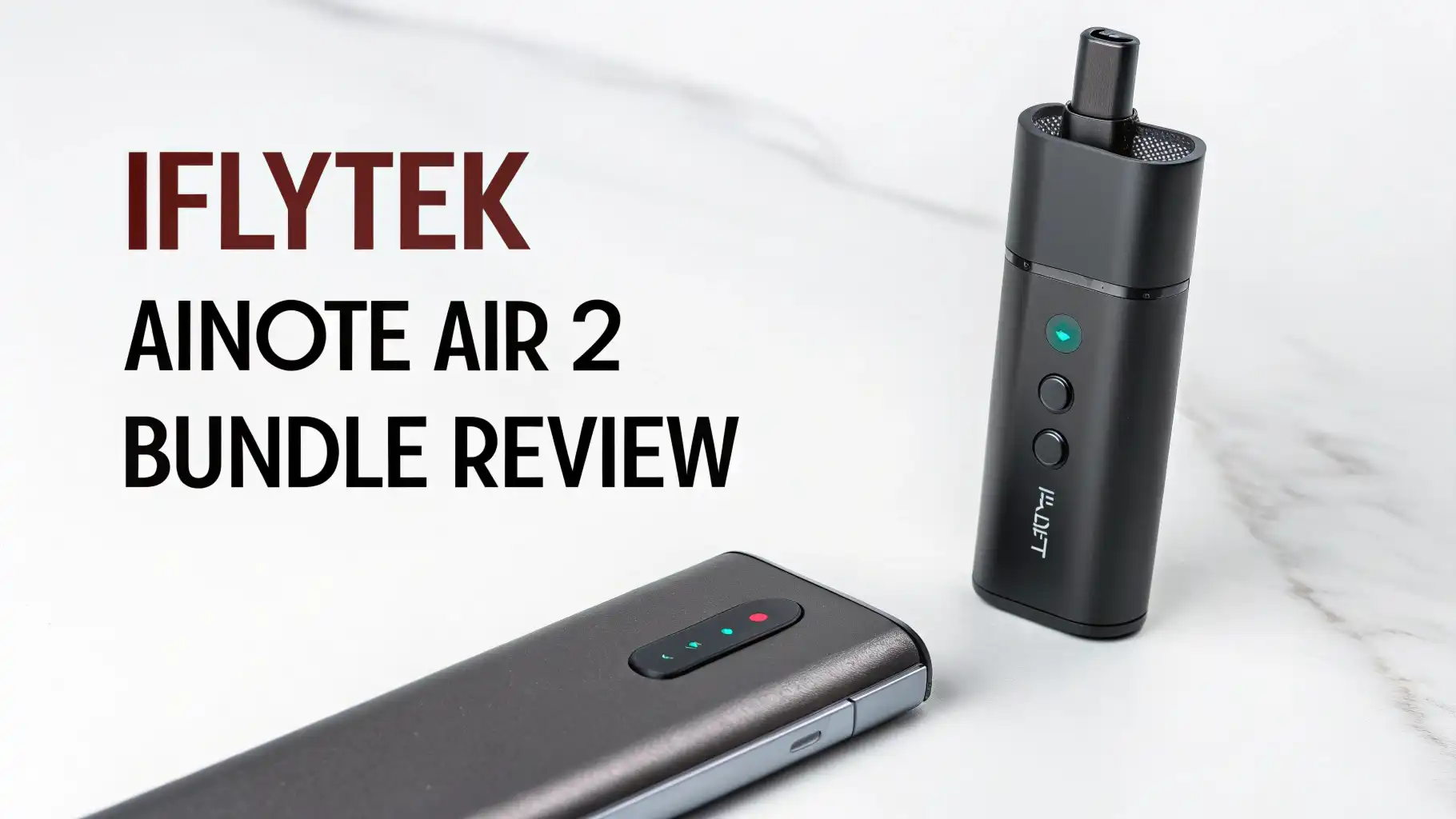
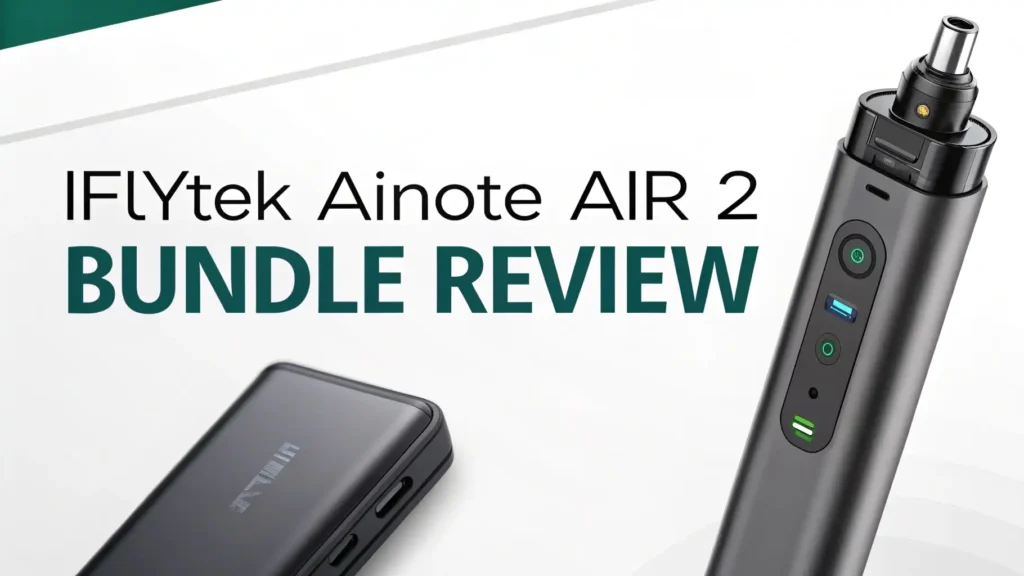
iFlytek AINOTE Air 2 Bundle Review: A Comprehensive Guide
Looking for a digital notebook that actually understands what productivity means? The iFlytek AINOTE Air 2 Bundle might just be the game changer you need.
This AI-powered e-ink tablet combines the classic feel of writing on paper with modern technology that thinks ahead of you.
Imagine taking notes during a meeting while the device records audio and converts speech to text simultaneously. Sounds like magic? It’s real, and it’s making waves in the digital note-taking world.
Key Takeaways:
- Premium Writing Experience: The AINOTE Air 2 features an 8.2-inch E Ink display with 4,096 pressure levels. This means your handwriting looks natural and flows smoothly, just like writing on real paper. The 23ms low latency ensures zero lag between your pen movement and what appears on screen.
- AI-Powered Voice Transcription: Record meetings and convert speech to text in real-time across 15 languages. The built-in microphones capture multiple speakers accurately, making meeting minutes effortless. You can write notes while the device simultaneously transcribes audio.
- Complete Bundle Package: Unlike buying pieces separately, this bundle includes the tablet, stylus pen with 4096 pressure sensitivity, and a protective folio case. You save money and get everything needed to start working immediately.
- ChatGPT Integration: The device connects with ChatGPT for smart summaries, keyword searches, and content generation. This feature turns your notes into actionable insights without switching devices.
- Multi-Language Support: Convert handwritten notes to text in 85 languages. Whether you write in English, Chinese, Japanese, or Arabic, the AINOTE Air 2 recognizes and converts your handwriting accurately.
- Long Battery Life: The e-ink display consumes minimal power, allowing weeks of use on a single charge. You won’t need to carry chargers to every meeting or class.

What’s Inside the AINOTE Air 2 Bundle
The iFlytek AINOTE Air 2 Bundle delivers complete value right out of the box. You receive the main tablet device measuring just 5.5mm thin.
This ultra-portable design weighs only 360 grams, making it lighter than most notebooks. The metal body construction provides durability without adding bulk.
The included stylus pen feels comfortable during extended writing sessions. Its 4096 pressure levels mean the tablet detects subtle differences in your writing force.
Press harder for bold lines, lighter for delicate strokes. The pen requires no charging and uses electromagnetic resonance technology for precise input.
Your bundle also contains a protective folio case. This case serves dual purposes by protecting your investment and providing a stand for comfortable viewing angles.
The magnetic closure keeps everything secure in your bag. Setup takes minutes, and the device runs on Android 14 operating system, giving you access to essential productivity apps.
The E-Ink Display: Easy on Your Eyes
The 8.2-inch E Ink Carta screen provides a paper-like reading experience that reduces eye strain significantly.
Unlike traditional tablet screens that emit blue light, e-ink displays reflect light just like physical paper. This means you can read and write for hours without experiencing digital eye fatigue.
The 1440×1920 pixel resolution delivers crisp text and detailed drawings. Whether you’re sketching diagrams, writing equations, or marking up PDFs, everything appears sharp and clear. The display includes adjustable front lighting, allowing comfortable use in any environment from bright sunlight to dark rooms.
This e-ink technology also provides excellent battery efficiency. Since the display only uses power when changing content, your tablet lasts weeks on a single charge. Most users report charging once every two to three weeks with regular daily use.
This reliability makes the AINOTE Air 2 perfect for professionals who travel frequently or students with back-to-back classes.
Top 3 Alternatives for iFlytek AINOTE Air 2


AI Features That Actually Help Your Workflow
The voice-to-text transcription capability stands as the star feature of this tablet. Four built-in microphones capture audio from different directions, identifying multiple speakers during meetings.
The AI processes this audio in real-time, converting speech to text with impressive accuracy across 15 supported languages.
This transcription works simultaneously while you handwrite notes. You can jot down key points manually while the device records and transcribes everything said.
After the meeting, you have both your handwritten annotations and a complete text transcript. The system timestamps everything, making it easy to reference specific discussion points later.
The ChatGPT integration takes your productivity further. Select any text in your notes and ask questions, request summaries, or generate related content.
The tablet connects to GPT-4o, providing intelligent responses directly within your note-taking interface. This eliminates the need to switch between devices or apps when you need AI assistance.
Schedule management features help organize your day efficiently. The built-in calendar syncs with your existing accounts and provides smart reminders. You can convert meeting notes directly into calendar events or task lists with simple gestures.
Handwriting Recognition: Write Naturally, Convert Easily
The AINOTE Air 2 converts your handwriting to digital text in 85 languages. This extensive language support makes it valuable for international teams and multilingual users. Write naturally in your preferred language, then convert with a single tap.
The recognition accuracy impresses even with casual handwriting styles. The system learns your writing patterns over time, improving accuracy with continued use. You can mix languages within the same note, and the device recognizes context to convert appropriately.
Editing converted text happens directly on the device. Make corrections, adjust formatting, or reorganize content using the stylus. The tablet supports common text editing gestures like strikethrough to delete and circling to select. These intuitive controls feel natural and speed up your workflow.
Export options include PDF, Word documents, and plain text formats. Send your notes via email, save to cloud storage, or sync across devices. The flexibility ensures your notes remain accessible wherever you work.
Note-Taking Performance: How It Feels in Daily Use
Writing latency measures just 23ms, creating a responsive experience that feels immediate. Your pen strokes appear on screen without noticeable delay. This responsiveness proves crucial during fast-paced note-taking scenarios like lectures or brainstorming sessions.
The screen texture provides just enough friction to simulate paper. Your pen doesn’t slide around uncontrollably, giving you precise control over line placement.
The combination of low latency, high pressure sensitivity, and proper screen texture creates a writing experience that many users prefer over traditional paper.
Templates help structure your notes effectively. Choose from lined paper, grid patterns, calendars, and specialized layouts for meetings or project planning. Create custom templates that match your specific workflow needs. Switch between templates instantly without losing your work.
Layers function similar to professional drawing apps. Separate your handwritten notes from imported images or background templates.
This organization helps when you need to edit specific elements without affecting others. You can toggle layers on and off, useful for presentations or studying.
Battery Life and Charging: Weeks Between Charges
The e-ink technology provides exceptional power efficiency. Unlike LCD or OLED screens that constantly consume power, e-ink displays only use energy when content changes. This fundamental difference means your tablet lasts weeks on a single charge with typical use.
Real-world testing shows most users charge every two to three weeks. Heavy users who write extensively daily might charge weekly.
Even this reduced battery life exceeds traditional tablets that require daily charging. The device charges via USB-C, taking approximately three hours to reach full capacity.
Power-saving modes extend battery life further when needed. Disable features like WiFi or Bluetooth when not required. The tablet can function completely offline for note-taking and reading, preserving battery during extended trips without access to chargers.
The device includes a battery percentage indicator and low battery warnings. You’ll never experience unexpected shutdowns during important meetings.
The predictable battery performance lets you plan charging around your schedule rather than constantly worrying about power levels.
Organization and File Management Made Simple
Cloud synchronization keeps your notes accessible across all devices. The AINOTE Air 2 supports popular cloud services including Google Drive, Dropbox, and OneDrive. Changes sync automatically when connected to WiFi, ensuring you always access the latest version of your files.
The folder structure mimics familiar file management systems. Create hierarchical folders to organize notes by project, subject, or date. Move files between folders with simple drag and drop gestures. Search functionality finds specific notes quickly using keywords or handwriting recognition.
Tags provide additional organizational flexibility. Apply multiple tags to single notes, allowing files to appear in different categories without duplication. This system works perfectly for notes that relate to multiple projects or topics simultaneously.
Import existing PDFs and mark them up directly. Highlight text, add annotations, or fill in forms using your stylus. These capabilities make the tablet valuable for reviewing documents, editing contracts, or grading papers. Export your annotated PDFs to share marked-up versions with colleagues or clients.
Connectivity Options: Work Anywhere, Sync Everywhere
WiFi connectivity enables cloud synchronization and access to online features like ChatGPT integration. The device supports modern WiFi standards for fast, reliable connections. Bluetooth allows pairing with keyboards, headphones, or other peripherals when needed.
The tablet includes USB-C connectivity for charging and file transfer. Connect directly to computers to move files quickly without relying on internet connections. This wired option proves valuable in secure environments where WiFi isn’t available or permitted.
Email integration lets you send notes directly from the device. Attach PDFs or converted text documents to messages without switching devices. This streamlined workflow saves time when sharing meeting minutes or collaborative notes.
The Android operating system provides access to additional apps from the built-in store. Install productivity tools like Microsoft Office, Evernote, or Notion. While the e-ink display limits full-color app experiences, many productivity applications function perfectly on the AINOTE Air 2.
Build Quality and Durability: Built to Last
The metal body construction provides rigidity while maintaining a slim profile. Unlike plastic tablets that flex and creak, the AINOTE Air 2 feels solid and premium. This build quality inspires confidence when carrying the device in bags or using it in various environments.
The screen protection includes a layer that resists scratches from regular use. While not indestructible, the display withstands the daily wear that comes from frequent note-taking. The included folio case provides additional protection during transport, safeguarding both screen and body from impacts.
Button placement feels intuitive and easy to reach during one-handed use. The power button and volume controls respond with satisfying tactile feedback. These physical controls work reliably without requiring you to look at the device.
The stylus pen attaches magnetically to the tablet side. This magnetic connection holds firmly during movement but releases easily when you need to write. Never lose your pen or waste time searching through bags. The magnetic attachment ensures your pen stays exactly where you expect it.
Learning Curve: Getting Started Quickly
The interface design prioritizes simplicity without sacrificing functionality. New users navigate the basic features within minutes of unboxing. The main menu presents clear icons for notes, recordings, files, and settings. Gestures follow common conventions from other tablets, reducing the learning curve significantly.
Tutorial prompts guide you through advanced features at your own pace. Learn about voice transcription, handwriting conversion, or ChatGPT integration through interactive demos. Skip tutorials if you prefer exploring independently, or revisit them anytime from the help menu.
Customer support provides responsive assistance when questions arise. The manufacturer offers email support, user forums, and video tutorials covering common use cases. Most questions find answers in the comprehensive user manual included digitally on the device.
Software updates arrive regularly, adding new features and improving existing functionality. These updates download automatically when connected to WiFi. The device prompts you to install updates during idle times, minimizing disruption to your workflow.
Price and Value: Worth the Investment?
The AINOTE Air 2 Bundle typically retails around $399 on Amazon. This price includes the tablet, stylus pen, and protective case. Compared to purchasing components separately, the bundle offers significant savings while ensuring all pieces work together seamlessly.
When evaluating value, consider what you’re replacing. A year’s worth of paper notebooks, pens, and folders costs $50-100 for most users.
Add the value of digital features like voice transcription, AI assistance, and cloud synchronization. The tablet pays for itself within two years while providing capabilities traditional notebooks never could.
Competitor comparison shows favorable pricing. The reMarkable 2 starts at $449 for a similar bundle without AI features or voice transcription.
Kindle Scribe focuses primarily on reading with basic note-taking, lacking the advanced productivity features of the AINOTE Air 2. The Boox Note Air series offers comparable features at higher price points.
The investment makes sense for professionals who attend frequent meetings, students taking extensive notes, or anyone seeking to digitize their workflow. The combination of e-ink display comfort, AI-powered features, and comprehensive bundle contents justifies the price for serious productivity users.
Who Should Buy the AINOTE Air 2 Bundle?
Students benefit immensely from the handwriting recognition and organizational features. Take lecture notes naturally, then convert them to digital text for easy studying. Record professor explanations while writing, creating comprehensive study materials. The lightweight design fits easily in backpacks alongside textbooks.
Business professionals find value in the meeting transcription capabilities. Never miss important discussion points while taking notes. The device captures everything said and converts it to searchable text. Share meeting minutes instantly via email, impressing colleagues with your efficiency.
Content creators and writers appreciate the distraction-free environment e-ink provides. Draft articles, outline stories, or brainstorm ideas without notifications or tempting apps. The ChatGPT integration assists with research and content development directly within your writing interface.
International teams working across languages benefit from the multi-language support. Take notes in your native language, then convert and translate for team members. The voice transcription handles multilingual meetings where participants speak different languages.
Is the AINOTE Air 2 Bundle Right for You?
This tablet excels at digital note-taking with AI enhancement. If your workflow involves meetings, lectures, or extensive handwritten notes, the AINOTE Air 2 delivers excellent value. The combination of paper-like writing, voice transcription, and AI assistance creates a productivity powerhouse.
The device works best when you commit to digital note-taking completely. Users who switch between digital and paper notebooks may not maximize the organizational and search benefits. Full adoption unlocks the true potential of cloud synchronization, handwriting recognition, and AI features.
Consider your technology comfort level honestly. While the interface remains user-friendly, you’ll need basic familiarity with tablets and cloud services. The learning investment pays dividends in productivity gains, but requires initial time commitment to master all features.
The iFlytek AINOTE Air 2 Bundle represents a mature, feature-rich solution for modern note-taking needs. It combines proven e-ink technology with cutting-edge AI capabilities, all wrapped in a portable, durable package. For professionals and students seeking to enhance productivity while maintaining the comfortable experience of pen and paper, this bundle delivers compelling value at a competitive price point.
Frequently Asked Questions
Can the AINOTE Air 2 work completely offline?
Yes, the tablet functions fully offline for basic note-taking, reading, and handwriting conversion. You can write notes, organize files, and convert handwriting to text without internet connection. However, features like ChatGPT integration, voice transcription in some languages, and cloud synchronization require WiFi connectivity. The device stores all your work locally, syncing when you next connect to the internet.
How accurate is the voice-to-text transcription?
The voice transcription accuracy reaches approximately 95% in optimal conditions with clear audio and standard accents. Multiple speakers can be distinguished and transcribed separately. Background noise reduces accuracy, but the four-microphone array handles typical meeting environments well. The system supports 15 languages with varying accuracy levels depending on language complexity and accent variations.
Does the stylus pen need charging or batteries?
No, the stylus pen requires no charging or batteries. It uses electromagnetic resonance technology that draws power from the tablet’s digitizer layer. This means the pen works indefinitely without maintenance. You’ll never experience the frustration of a dead pen during important note-taking sessions. The pen includes replaceable nibs that wear down over time like pencil leads.
Can I install regular Android apps on this device?
Yes, the AINOTE Air 2 runs Android 14 and supports installing apps from the built-in app store. However, the e-ink display limits the usability of apps designed for color screens. Productivity apps like email clients, document editors, and note-taking tools work excellently. Apps requiring smooth video playback or gaming perform poorly due to e-ink refresh rates.
How does it compare to the reMarkable 2?
The AINOTE Air 2 offers more features at a similar price point. It includes voice transcription, ChatGPT integration, and multi-language handwriting recognition that reMarkable 2 lacks. The reMarkable 2 provides a slightly larger 10.3-inch screen compared to the AINOTE Air 2’s 8.2 inches. Both offer excellent writing experiences, but the AINOTE Air 2 delivers better value for users wanting AI-powered productivity features.
What file formats can I export my notes to?
The tablet exports notes in multiple formats including PDF, Word documents, plain text, and image files. You can choose export formats based on your needs. PDFs preserve formatting perfectly for sharing or archiving. Word documents allow further editing on computers. Plain text exports work universally across all platforms. The flexibility ensures your notes remain accessible regardless of where you need to use them.