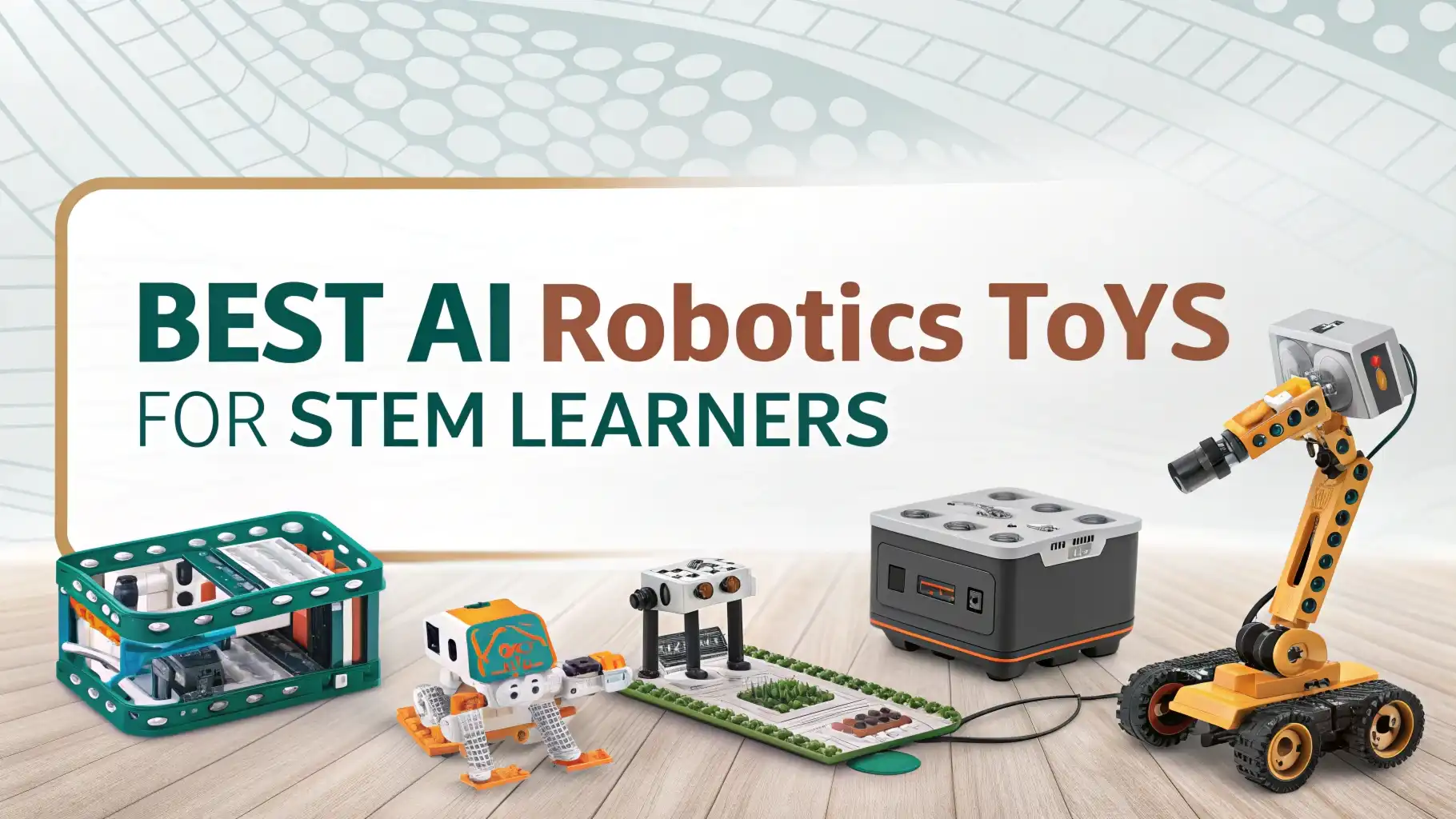
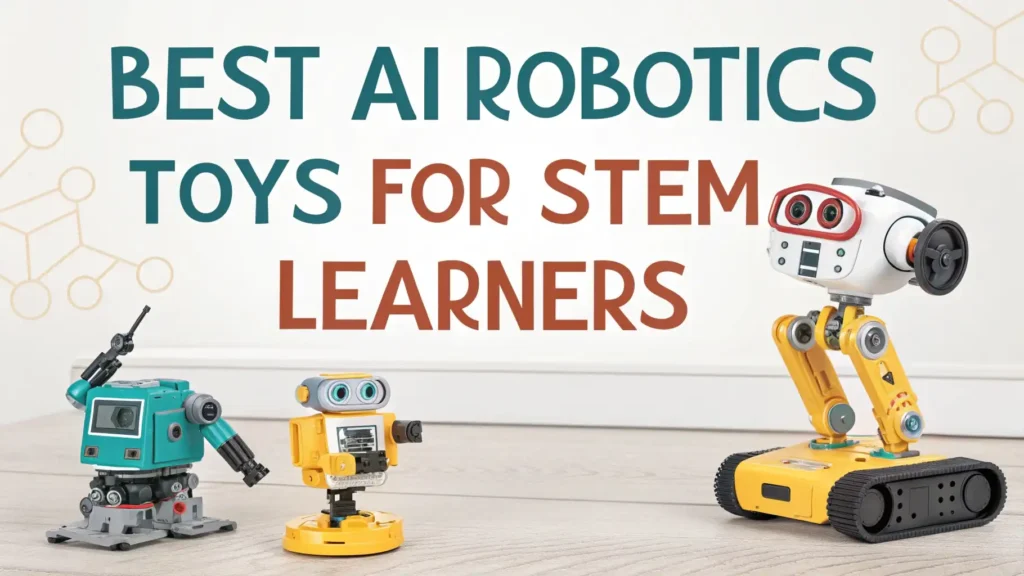
9 Best AI Robotics Toys for STEM Learners: Smart Learning Tools
Are you looking for ways to make learning fun and exciting for your child? AI robotics toys have changed the game for STEM education.
These smart learning tools combine coding, engineering, and artificial intelligence to create hands-on experiences that kids actually love. Parents and teachers agree that robotics toys spark creativity and build problem-solving skills that last a lifetime.
Traditional toys entertain for a few hours, but AI robotics toys educate while they engage. Your child can learn programming basics, understand how robots work, and develop critical thinking abilities without even realizing they are studying.
Key Takeaways:
- Age-appropriate learning matters when selecting robotics toys. Choose options that match your child’s current skill level but also offer room for growth. Screen-free options work great for younger learners, while advanced programmable robots suit teenagers ready for real coding challenges.
- Multiple programming languages expand learning opportunities. Look for robots that support Scratch for beginners and Python or Arduino for advanced learners. This progression helps children build on their knowledge step by step.
- Hands-on building experiences teach engineering principles better than any textbook. Robotics kits that require assembly help kids understand mechanical concepts and develop fine motor skills alongside coding abilities.
- Interactive AI features make learning personal and engaging. Voice-activated robots, touch sensors, and smart responses create emotional connections that keep children motivated to learn more each day.
- Budget-conscious options exist at every price point. You can find quality STEM robotics toys starting around $30 for basic models, with premium AI-enabled versions available for families ready to invest more in their child’s education.
Makeblock mBot Robot Kit

This coding robot brings computer science concepts to life for children ages eight and up. Kids build their own robot from scratch, which makes the learning experience more meaningful. The mBot connects Scratch programming with real-world applications, showing children exactly how code controls physical movements.
The kit includes everything needed to create a fully functional robot. Metal parts snap together easily, and the visual programming interface makes coding accessible even for complete beginners.
Students watch their programs come alive as the robot moves, lights up, and responds to sensors. This immediate feedback creates those magical moments when children realize they have created something amazing.
Parents love how this robot grows with their child. Beginners start with simple programs using Scratch blocks. Advanced learners can switch to Arduino coding for more complex projects. The mBot works as both an entry point and a long-term learning companion that adapts to increasing skill levels.
Pros:
Easy assembly process builds confidence
Scratch and Arduino support different skill levels
Strong online community provides project ideas
Excellent value for educational content
Bluetooth connectivity adds versatility
Cons:
Requires tablet or computer for programming
Small parts need careful handling
Battery life could be longer
Some sensors sold separately
ELEGOO UNO R3 Smart Robot Car Kit

This intelligent car transforms basic robotics education into an exciting adventure. Young engineers discover how autonomous vehicles work by building and programming their own smart car. The kit includes obstacle avoidance, line following, and infrared remote control capabilities that demonstrate real-world robotics applications.
The comprehensive tutorial CD walks students through each concept step by step. Clear explanations help learners understand not just what to do, but why each component matters. The robot car responds to environmental inputs just like professional robots, making abstract concepts concrete and understandable.
STEM educators praise this kit for bridging theory and practice. Students learn Arduino programming while seeing immediate results in their robot’s behavior. The hands-on approach keeps engagement high as children test, troubleshoot, and improve their creations. Each successful program builds confidence and encourages deeper exploration of robotics principles.
Pros:
Comprehensive learning materials included
Multiple sensors teach different concepts
Arduino-compatible for future projects
Affordable for feature-rich robot
Develops debugging and problem-solving skills
Cons:
Assembly takes time and patience
Requires some adult guidance initially
Programming knowledge helpful but not required
Wiring can be tricky for beginners
Makeblock mBot2 Coding Robot

The mBot2 represents the next generation of educational robotics with AI integration. This advanced robot introduces machine learning concepts to children ages eight through twelve. Students program the robot using Scratch 3.0 for beginners or Python for those ready to tackle professional programming languages.
Built-in sensors create endless possibilities for creative projects. The robot detects light, sound, obstacles, and even recognizes colors. Children can program the mBot2 to react to its environment in smart ways, teaching computational thinking and logical reasoning. The WiFi connectivity enables remote control and data transmission, showing how modern robots communicate.
Teachers appreciate how this robot introduces AI concepts without overwhelming young learners. The CyberPi microcontroller includes a full-color display that provides visual feedback. Kids see data from sensors in real-time, understanding how robots gather and process information. This foundation prepares students for more advanced robotics and AI studies later.
Pros:
Python programming for advanced learners
AI and machine learning features
WiFi and Bluetooth connectivity
Modular design allows upgrades
Clear LED display enhances learning
Cons:
Higher price point than basic models
More complex setup process
Some features require technical knowledge
Software updates sometimes needed
Wonder Workshop Dash Robot
No products found.
Dash brings personality and fun to coding education for children six and older. This friendly robot responds to voice commands, sings, dances, and navigates obstacles with surprising skill. The approachable design removes intimidation from learning, making coding feel like play rather than work.
Five free apps provide hundreds of coding challenges across different difficulty levels. Young programmers start with Wonder for basic commands, then progress to Blockly for more sophisticated projects. The voice-activated features create natural interactions that feel magical to young children learning technology.
The durability impresses parents whose kids use Dash daily. This robot handles the bumps and excitement of childhood while teaching valuable STEM skills. The rechargeable battery lasts through extended play sessions, and the simple controls mean children can code independently after initial setup.
Pros:
Voice activation engages young learners
No reading required for youngest users
Durable construction survives active play
Multiple apps offer variety
Great for classroom and home use
Cons:
Premium pricing for single robot
Accessories sold separately
Limited advanced programming options
Requires iOS or Android device
Sphero Mini Coding Robot Ball

This tiny robot packs serious educational power into a pocket-sized package. The Sphero Mini introduces coding through games and challenges that feel nothing like traditional lessons. Children ages eight and up control the robot ball using block-based programming or by making silly faces at their device camera.
The compact size makes learning portable and convenient for families on the go. The robot works on any flat surface and survives countless collisions as kids test their programs. The affordable price point makes quality STEM education accessible to more families while delivering genuine learning value.
The Sphero Edu app turns coding into creative play. Students draw paths for the robot to follow, learning about angles and directions. They program the LED lights to change colors based on movement, connecting art with technology. Each project teaches fundamental programming concepts through experimentation and discovery.
Pros:
Budget-friendly entry to coding
Portable size for learning anywhere
Face drive mode for screen-free fun
Multiple programming methods
Durable shell protects internal components
Cons:
Small size can be lost easily
Limited to smooth flat surfaces
Battery life shorter than larger models
Less expandable than kit-based robots
Miko 3 AI Robot for Kids
No products found.
Miko 3 represents true artificial intelligence in a child-friendly educational robot. This smart companion uses machine learning to understand and respond to children naturally. The robot answers questions, tells stories, plays educational games, and even recognizes faces and voices to create personalized learning experiences.
Advanced STEAM curriculum comes built into the robot’s interactive platform. Children explore science, technology, engineering, arts, and mathematics through conversations and activities. The autonomous movement adds personality as Miko 3 turns to face speakers and expresses emotions through its animated display screen.
Parents value the safe, ad-free content created specifically for children ages five through ten. The robot grows smarter as it learns your child’s interests and learning pace. Regular content updates keep activities fresh and educational, making Miko 3 a long-term learning partner rather than a toy that loses appeal quickly.
Pros:
True AI creates personalized learning
Voice recognition enables natural interaction
Regular content updates add value
Safe, child-appropriate platform
Teaches multiple STEM subjects
Cons:
Requires WiFi connection
Premium price point
Monthly subscription for full features
Limited coding instruction
Thames & Kosmos Kai AI Robot

Kai introduces children to artificial intelligence through hands-on building and experimentation. This unique robot teaches machine learning concepts by letting kids train their own AI models. Young engineers build the robot body, then use the app to teach Kai to recognize objects, follow colors, and respond to gestures.
The educational value goes deep into how AI actually works. Children see how robots learn from examples rather than following strict programming rules. This fundamental concept prepares students for the AI-driven future they will live in. The step-by-step lessons explain complex ideas in age-appropriate ways that build real understanding.
The app provides clear visualizations of the learning process. Students watch their robot improve as they provide more training data, connecting abstract AI concepts to concrete results. This direct experience with machine learning gives children insights that will serve them throughout their education and careers.
Pros:
Teaches real AI and machine learning
Hands-on building develops skills
App-guided lessons clear and helpful
Demonstrates practical AI applications
Future-focused education
Cons:
Requires compatible smartphone or tablet
Some concepts challenging for younger kids
Limited to specific AI activities
Price point for focused learning tool
Learning Resources Botley The Coding Robot

Botley proves that screen-free coding education works beautifully for young learners. This clever robot teaches programming fundamentals to children ages five and up without any device requirements. Kids use the remote programmer to create sequences of commands, learning computational thinking through hands-on play.
The obstacle course pieces turn coding into an active, engaging challenge. Children program Botley to navigate around objects, follow paths, and complete missions. The immediate visual feedback helps young minds understand cause and effect in programming. Success builds confidence while mistakes become valuable learning opportunities.
Teachers love using Botley in early elementary classrooms. The robot handles up to 150 commands in a single sequence, offering surprising complexity for a screen-free device. Students learn logic, sequencing, and problem-solving without screen time concerns that worry many parents and educators.
Pros:
No screen or device required
Age-appropriate for young children
Builds programming foundation
Durable for classroom use
Multiple challenge levels included
Cons:
Limited to pre-programmed actions
Cannot write custom code
Remote programmer uses batteries
Less advanced than app-based options
STEM Solar Power Robot Kit

This innovative kit combines robotics with renewable energy education. Children build thirteen different robots powered entirely by solar energy. Each design teaches different mechanical principles while demonstrating sustainable technology that shapes our future.
The building process develops spatial reasoning and engineering skills. Kids follow detailed instructions to create robots that walk, roll, and swim using power from the sun. The satisfaction of seeing a self-built robot move without batteries creates unforgettable learning moments. Children understand energy conversion through direct experience rather than abstract lessons.
Budget-conscious families appreciate the exceptional value this kit provides. One purchase offers multiple projects that can be rebuilt into different configurations. The solar-powered design means no ongoing battery costs, and the educational content covers both robotics and environmental science concepts.
Pros:
Thirteen different build options
Solar-powered teaches sustainability
Budget-friendly for multiple projects
No batteries or charging needed
Hands-on engineering education
Cons:
Requires direct sunlight to operate
Some builds challenging for younger kids
No programming element
Parts can be small and delicate
Understanding Age-Appropriate Robot Selection
Matching robots to your child’s developmental stage creates better learning outcomes. Five to seven year olds benefit most from screen-free options with simple, intuitive controls. These robots teach basic sequencing and cause-effect relationships without overwhelming young minds with complex interfaces.
Eight to twelve year olds handle more sophisticated programming challenges. Look for robots supporting visual programming languages like Scratch or Blockly. These tools bridge the gap between intuitive controls and real coding, preparing students for text-based programming later.
Teenagers ready for advanced learning need robots supporting professional programming languages. Python and Arduino capabilities let older students create complex behaviors and explore computer science concepts deeply. The right challenge level keeps learners engaged without causing frustration that stops progress.
How Coding Robots Build Real Skills
Programming robots teaches computational thinking that applies far beyond technology. Breaking problems into steps becomes natural as children plan robot behaviors. Students learn to think logically, anticipate outcomes, and adjust strategies based on results.
Debugging skills develop naturally through robotics projects. When programs don’t work as expected, children learn to analyze problems systematically. They check each command, test individual components, and develop patience with the iterative process of improvement. These problem-solving abilities transfer to academic subjects and life challenges.
Collaboration skills emerge when children work on robotics projects together. Teams divide tasks, share ideas, and combine different strengths to achieve goals. The social aspect of robotics education builds communication abilities alongside technical knowledge.
Integration with School STEM Curriculum
Many robotics toys align perfectly with school science and math standards. Concepts like measurement, angles, and data collection come alive through robot projects. Children apply classroom learning to hands-on challenges, strengthening understanding and retention of academic material.
Teachers increasingly use robots to demonstrate abstract concepts concretely. Physics lessons about force and motion make more sense when students program robots to accelerate, turn, and stop. Mathematics becomes practical as children calculate distances and angles for navigation programs.
Home robotics experience gives students confidence and background knowledge that helps them excel in school STEM activities. The informal learning at home builds foundations that formal education builds upon, creating well-rounded technical literacy.
Long-Term Value and Expandability
The best robotics investments grow with your child over years. Expandable platforms accept additional sensors, motors, and accessories that increase complexity as skills improve. What starts as a simple robot becomes a sophisticated system capable of advanced projects.
Strong user communities extend learning opportunities significantly. Online forums, video tutorials, and project galleries provide endless inspiration and support. Children see what others have created, sparking ideas for their own innovations and connecting them with fellow young engineers worldwide.
Consider total ownership costs beyond initial purchase. Some robots require subscriptions for full features, while others provide complete functionality upfront. Battery type matters too, with rechargeable options saving money and hassle over time compared to disposable battery systems.
Safety and Quality Considerations
Reputable manufacturers prioritize child safety in robot design. Non-toxic materials, rounded edges, and appropriate size components protect young learners during play and building. Check age recommendations carefully, as small parts pose choking hazards for younger siblings.
Electronic safety matters especially with rechargeable robots. Quality brands include overcharge protection and proper certifications for electrical components. Read reviews mentioning durability and safety to avoid products with quality control issues that could create hazards.
Software security deserves attention for connected robots. Choose manufacturers committed to data privacy and age-appropriate content filtering. Connected features should enhance learning without exposing children to inappropriate material or privacy risks.
Frequently Asked Questions
What age should kids start learning robotics and coding?
Children can begin robotics education as early as age five with appropriate tools. Screen-free robots with simple controls introduce basic programming concepts through play. Most experts recommend introducing visual programming languages around age seven or eight when abstract thinking develops more fully.
Do kids need prior coding experience to use robotics toys?
No prior experience is necessary with beginner-friendly robotics toys. Most products include tutorials that teach coding concepts from scratch. The hands-on nature of robotics actually helps children understand programming more easily than abstract computer lessons alone.
How long do children typically stay engaged with robotics toys?
Quality robotics toys maintain interest for years when they offer progression and challenges. Expandable systems grow with your child, while basic models typically engage younger children for several months to a year. The key is selecting robots with appropriate complexity for current skills plus room for growth.
Can robotics toys really prepare kids for future careers?
Yes, robotics education builds foundational skills valuable across many career paths. Computational thinking, problem-solving, and logical reasoning apply to engineering, science, business, and creative fields. Early exposure to technology creates comfort and confidence that serves children throughout their education and professional lives.
Are expensive robots always better for learning?
Price does not always equal educational value. Many affordable robots provide excellent learning experiences for their intended age groups. Consider your child’s interests, current skill level, and learning goals rather than assuming higher prices guarantee better outcomes. Sometimes simpler, less expensive robots match needs perfectly.
How can parents support their child’s robotics learning?
Show genuine interest in projects without taking over. Ask questions about how their programs work and celebrate both successes and learning from failures. Provide a dedicated workspace for robotics projects and time for exploration without pressure. Connect robotics skills to real-world applications your child cares about to maintain motivation and interest.