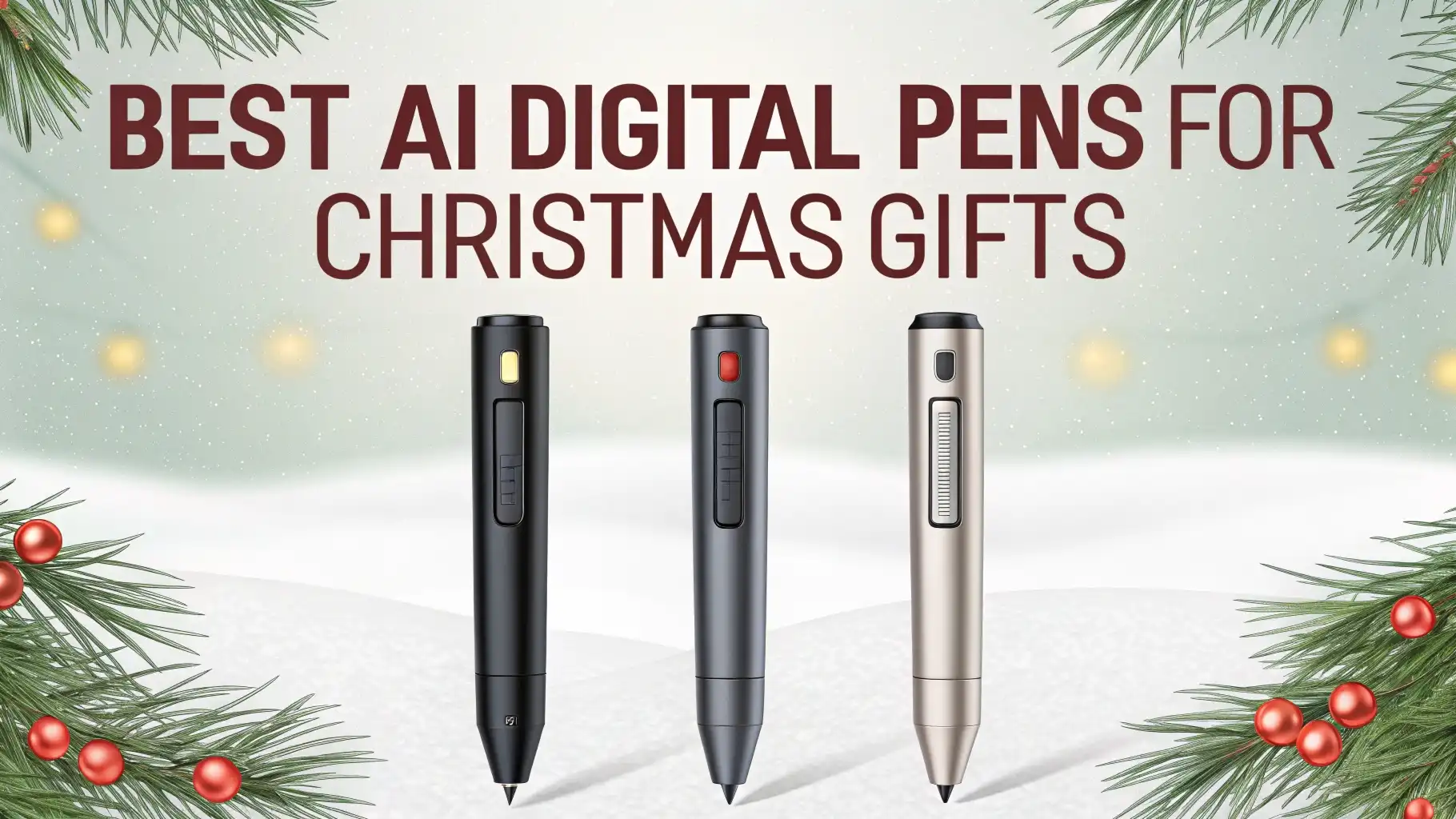
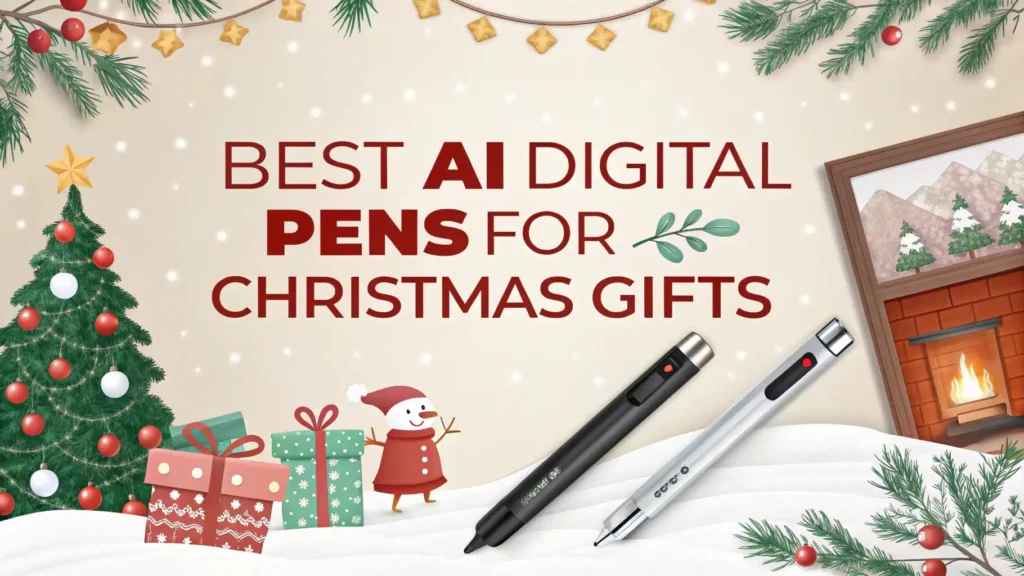
6 Best AI Digital Pens for Christmas Gifts In 2026
Christmas shopping can feel stressful when you want to give something special and useful. AI digital pens solve this problem perfectly.
These smart devices combine traditional writing with modern technology. They make excellent gifts for students, professionals, and anyone who loves taking notes.
This guide explores the six best AI digital pens available for Christmas gifts. Each pen offers unique features that make writing smarter and more efficient.
Key Takeaways:
- Instant Digitization: These smart pens capture every stroke you write on paper and convert it to digital format in real time. You can access your notes on any device immediately without manual scanning or typing.
- AI-Powered Features: Many models include ChatGPT integration and artificial intelligence that helps with math problems, language translation, and note organization. The AI assistant makes learning and working more efficient.
- Universal Compatibility: These digital pens work seamlessly with both iOS and Android devices. You can sync your handwritten notes across smartphones, tablets, and computers without any hassle.
- Real Paper Experience: Unlike tablets, these pens let you write on actual paper with real ink. You get the natural feeling of traditional writing combined with digital convenience.
- Long Battery Life: Most AI digital pens offer 10 to 17 hours of continuous use on a single charge. You can write through entire meetings, classes, or work sessions without worrying about power.
Why AI Digital Pens Make Perfect Christmas Gifts
Technology keeps changing how we work and learn. AI digital pens represent this evolution perfectly. They bridge the gap between traditional writing and digital convenience.
Many people still prefer writing by hand because it feels natural and helps with memory retention. These smart pens preserve that experience while adding powerful digital benefits.
The best part about gifting an AI digital pen is its versatility. Students use them to digitize class notes and study materials.
Business professionals record meetings and convert handwritten ideas into shareable documents. Artists and designers sketch concepts that automatically save to the cloud. Writers capture inspiration wherever it strikes.
Price points vary significantly across different models. You can find quality options starting around $35 and premium versions reaching $170.
This range lets you choose based on your budget while still giving a thoughtful, practical gift. The recipient will use this tool daily throughout the year, making it far more valuable than typical holiday presents.
ScanSense AI Smart Pen
No products found.
The ScanSense AI Smart Pen stands out as the most affordable option on this list. This device packs impressive features into a budget-friendly package. It includes a 3.93-inch HD touchscreen that displays information clearly. The built-in camera scans text instantly and provides AI-powered answers.
This smart pen excels at helping students with homework and study sessions. You can scan math problems and receive step-by-step solutions immediately. The offline translation feature supports over 60 languages, making it perfect for language learners. The pen stores files and plays music through Bluetooth connectivity.
The compact design fits comfortably in your hand during extended writing sessions. Battery life supports several hours of continuous use. The touchscreen interface makes navigation simple and intuitive. At this price point, the ScanSense delivers exceptional value for anyone starting with smart pen technology.
Pros:
- Budget-friendly price under $40
- Instant AI answers for math and other subjects
- Offline translation in 60+ languages
- Built-in camera and touchscreen display
- Bluetooth connectivity for music and files
Cons:
- Smaller screen compared to premium models
- Basic note digitization features
- Limited internal storage capacity
- No integration with advanced note-taking apps
- Battery life shorter than higher-end options
Smart Pen for Note Taking Set with Real-Time Sync

This comprehensive smart pen set focuses on professional note taking needs. The package includes the digital pen, special notebook, and complete setup for paper-to-digital conversion. Your handwriting appears on your smartphone or tablet as you write. The system works flawlessly with both iOS and Android devices.
The real-time synchronization feature makes this pen special for meetings and lectures. You never miss important information because everything saves automatically to the cloud. The companion app lets you convert handwriting to text with high accuracy. You can organize notes into folders, search through content, and share documents easily.
Build quality feels solid and professional. The pen writes smoothly on the included paper. The rechargeable battery lasts through full workdays without issues. This set works perfectly for business professionals who attend many meetings and need organized digital records.
Pros:
- Real-time paper-to-digital conversion
- High-accuracy handwriting to text feature
- Includes notebook and complete starter set
- Works with iOS and Android seamlessly
- Professional build quality and design
Cons:
- Higher price point around $119
- Requires special notebook paper
- Learning curve for all features
- App interface could be more intuitive
- Replacement notebooks add ongoing costs
LivePen Digital Smart Pen by Livescribe

Livescribe brings years of smart pen experience to this LivePen model. The brand has refined its technology through multiple generations. This pen offers reliable Bluetooth connectivity and mobile phone compatibility. The digital capture system works precisely and consistently.
The LivePen requires Livescribe-branded paper for best results. This requirement ensures accurate digitization but adds to the overall cost. The pen stores notes internally before syncing to your devices. You can record audio while writing, creating synchronized audio notes. This feature proves invaluable during lectures and interviews.
The design feels comfortable during long writing sessions. The pen tip provides good feedback against paper. Battery life supports extended use between charges. Livescribe’s ecosystem includes a mature mobile app with proven reliability. Many universities and businesses already use Livescribe technology successfully.
Pros:
- Established brand with proven technology
- Audio recording synchronized with notes
- Reliable Bluetooth connectivity
- Comfortable ergonomic design
- Mature app ecosystem with good support
Cons:
- Requires proprietary Livescribe paper
- Mid-range pricing around $90
- Limited AI features compared to newer models
- Ongoing paper costs
- Audio files can consume storage quickly
Neo Smartpen M1+

The Neo Smartpen M1+ brings handwriting digitization to a portable, sleek design. This Bluetooth pen works with Android, iPhone, and laptop computers. The real-time sync feature captures your writing instantly. You can export notes to email and documents directly from the app.
Neo’s technology uses special N-coded paper that contains tiny dot patterns. The pen’s camera reads these patterns to track your writing precisely. This system allows accurate digital reproduction of your handwriting. The pen works with various Neo notebook styles and sizes.
Handwriting to text transcription happens through the Neo Studio app. The app organizes your notes by date, project, or custom tags. You can search through handwritten content after conversion. The pen includes 2GB of internal memory for storing notes offline. Battery life lasts several weeks with regular use.
Pros:
- Works across multiple platforms seamlessly
- Precise handwriting capture technology
- Long battery life between charges
- Internal memory stores notes offline
- Various notebook style options available
Cons:
- Mixed customer reviews (2.9 rating)
- Requires N-coded Neo notebooks
- Handwriting recognition accuracy varies
- Currently showing as unavailable
- Higher learning curve for new users
Smart Sync Pen with Notebook and Writing Board

This complete writing system includes a smart pen, notebook, and digital writing board. The three-piece combination offers flexibility for different situations. You can write on paper or use the digital board depending on your needs. Both methods sync to your smartphone and tablet instantly.
The convert-to-text feature works well with clear handwriting. The system supports multiple languages for international users. Cloud storage integration means your notes stay safe and accessible everywhere. The app lets you organize, search, and share your digitized content easily.
The writing board adds unique value to this package. You can take quick notes without using paper. The board erases instantly and saves digital copies automatically. This feature reduces paper waste while maintaining the natural writing experience. The price point offers good value considering all included components.
Pros:
- Complete system with pen, notebook, and board
- Flexible writing options for different needs
- Good value for included components
- Real-time sync across all devices
- Reduces paper consumption with digital board
Cons:
- Moderate rating (4.0 stars)
- Some users report sync issues
- Digital board has small writing area
- App needs improvement
- Customer service could be better
Smart Pen and Notebook Set with Amazon’s Choice Badge

This smart pen earned Amazon’s Choice recognition for good reason. The set delivers reliable performance at a reasonable price. The digital pen captures handwriting accurately and syncs in real time. The system works with iPad, iPhone, and Android smartphones without problems.
The included notebooks use quality paper that feels good to write on. The pen’s battery lasts through multiple days of regular use. Storing and sharing notes happens seamlessly through the companion app. You can export to various formats including PDF and text files.
Setup takes just minutes out of the box. The Bluetooth pairing process works smoothly with most devices. The pen writes with standard ink refills, making replacements easy and affordable. Build quality feels solid enough for daily use. At around $100, this set offers balanced features and reliability.
Pros:
- Amazon’s Choice badge indicates reliability
- Good rating (4.3 stars) from users
- Works with standard ink refills
- Quick and easy setup process
- Compatible with popular devices
Cons:
- Limited advanced AI features
- Basic app functionality
- Requires proprietary notebooks
- No audio recording capability
- Average battery life compared to competitors
How AI Digital Pens Transform Note Taking
Traditional note taking has limitations that frustrate many users. You write notes during a meeting or class, then spend hours typing them into a computer. Important details get lost or forgotten during this transfer. Papers pile up and become difficult to organize or search through later.
AI digital pens eliminate these problems completely. Every word you write becomes instantly searchable in digital format. You can find specific information by typing keywords, even weeks or months later. The AI assistant can summarize long notes, extract action items, and organize content automatically.
The handwriting-to-text conversion feature works remarkably well on modern smart pens. Most systems achieve over 90% accuracy with clear handwriting. You can edit any mistakes in the app before sharing or exporting. This accuracy makes these pens practical for professional documentation and academic work.
Understanding Smart Pen Technology
Smart pens use different technologies to capture your writing digitally. Some models use special paper with microscopic dot patterns. The pen’s camera reads these dots to track position and movement precisely. This method provides excellent accuracy but requires specific notebooks.
Other pens use motion sensors and accelerometers to track pen movement. These models work on any paper surface without special requirements. The trade-off involves slightly lower accuracy compared to camera-based systems. Most users find both technologies work well for everyday needs.
The Bluetooth connection links your smart pen to mobile devices. This wireless sync happens in real time or stores notes internally for later transfer. Battery efficiency has improved significantly in recent models. Many pens now last 10 to 20 hours on a single charge.
Choosing the Right AI Digital Pen
Budget plays an obvious role in selecting your perfect smart pen. The ScanSense option works well for students on tight budgets who need AI assistance. The mid-range options around $90 to $100 suit most users perfectly. Premium models offer advanced features that professionals and serious students appreciate.
Consider how the recipient will use their smart pen daily. Students benefit most from AI tutoring features and translation capabilities. Business professionals need reliable sync, audio recording, and professional organization tools. Artists and designers want precise capture and easy export to creative software.
Compatibility matters when choosing a smart pen. Check that your selected model works with the recipient’s devices. Most modern smart pens support both iOS and Android, but verify before purchasing. Some pens require specific operating system versions to function properly.
Setting Up Your New AI Digital Pen
Most smart pens arrive ready to use after simple setup. You charge the pen fully before first use. Download the companion app from the App Store or Google Play. The app walks you through Bluetooth pairing with your smartphone or tablet.
Create an account in the app to enable cloud sync features. This step lets you access notes from multiple devices. Configure your preferences for handwriting recognition, language, and storage options. Test the pen by writing a few sentences and watching them appear digitally.
Many apps include tutorial videos that demonstrate all features. Spend time exploring these resources to understand your pen’s full capabilities. Join user communities online where people share tips and tricks. The initial learning investment pays off with increased productivity later.
Maintaining Your Smart Pen
Smart pens require minimal maintenance but benefit from proper care. Keep the pen tip clean by wiping it occasionally with a soft cloth. Replace ink cartridges when writing becomes faint or scratchy. Most pens use standard refills available at office supply stores.
Charge your smart pen regularly to maintain battery health. Avoid letting the battery drain completely before recharging. Store the pen in its case or holder when not in use. This protection prevents damage from drops or scratches.
Update the companion app whenever new versions release. Updates often include bug fixes, new features, and improved handwriting recognition. Back up your digital notes regularly to prevent data loss. Most apps offer automatic cloud backup, but verify this setting periodically.
The Future of Smart Writing Technology
AI digital pen technology continues advancing rapidly. Future models will likely include enhanced AI capabilities powered by advanced language models. Imagine a pen that not only captures your writing but also suggests improvements and generates related ideas automatically.
Battery life will improve as components become more energy-efficient. We may see solar-powered smart pens that never need charging. Display technology could evolve to show AI responses directly on the pen itself. Voice integration might let you dictate notes that combine with handwritten content.
The integration between smart pens and other productivity tools will deepen. Expect seamless connections with calendar apps, project management software, and collaboration platforms. Smart pens will become central hubs for capturing and organizing all types of information throughout your day.
Frequently Asked Questions
Do AI digital pens work with regular paper?
Some AI digital pens work with regular paper while others require special notebooks. Motion-sensor-based pens like certain models work on any surface. Camera-based systems need proprietary paper with microscopic dot patterns. Check product specifications before purchasing to understand paper requirements for your chosen model.
How accurate is handwriting-to-text conversion?
Modern smart pens achieve 85% to 95% accuracy with clear, consistent handwriting. The AI learns your writing style over time and improves recognition. Print letters work better than cursive for most systems. You can edit any conversion errors in the app before exporting or sharing your notes.
Can I use smart pens for drawing and sketching?
Yes, most AI digital pens capture drawings and sketches effectively. The digitized artwork exports to various formats including PNG, JPEG, and SVG. Some pens offer different pen tip options for varied line weights. Artists appreciate the natural feel of drawing on paper while gaining digital benefits.
How long do smart pen batteries last?
Battery life varies significantly between models. Budget options typically last 5 to 8 hours per charge. Mid-range pens offer 10 to 15 hours of continuous use. Premium models can last up to 20 hours or several weeks with regular daily use. Standby time extends much longer when not actively writing.
Are smart pen notes secure and private?
Most smart pen apps include security features like password protection and encryption. Notes stored in the cloud use standard security protocols. You control sharing settings for each notebook or document. Check the privacy policy of your specific app to understand data handling practices fully.
What happens if I lose my smart pen?
Your digitized notes remain safe in the cloud even if you lose the physical pen. Some apps include device-finding features similar to phone locators. You can purchase a replacement pen and continue accessing all your stored notes. Always sync notes regularly to ensure nothing stays only on the pen’s internal memory.