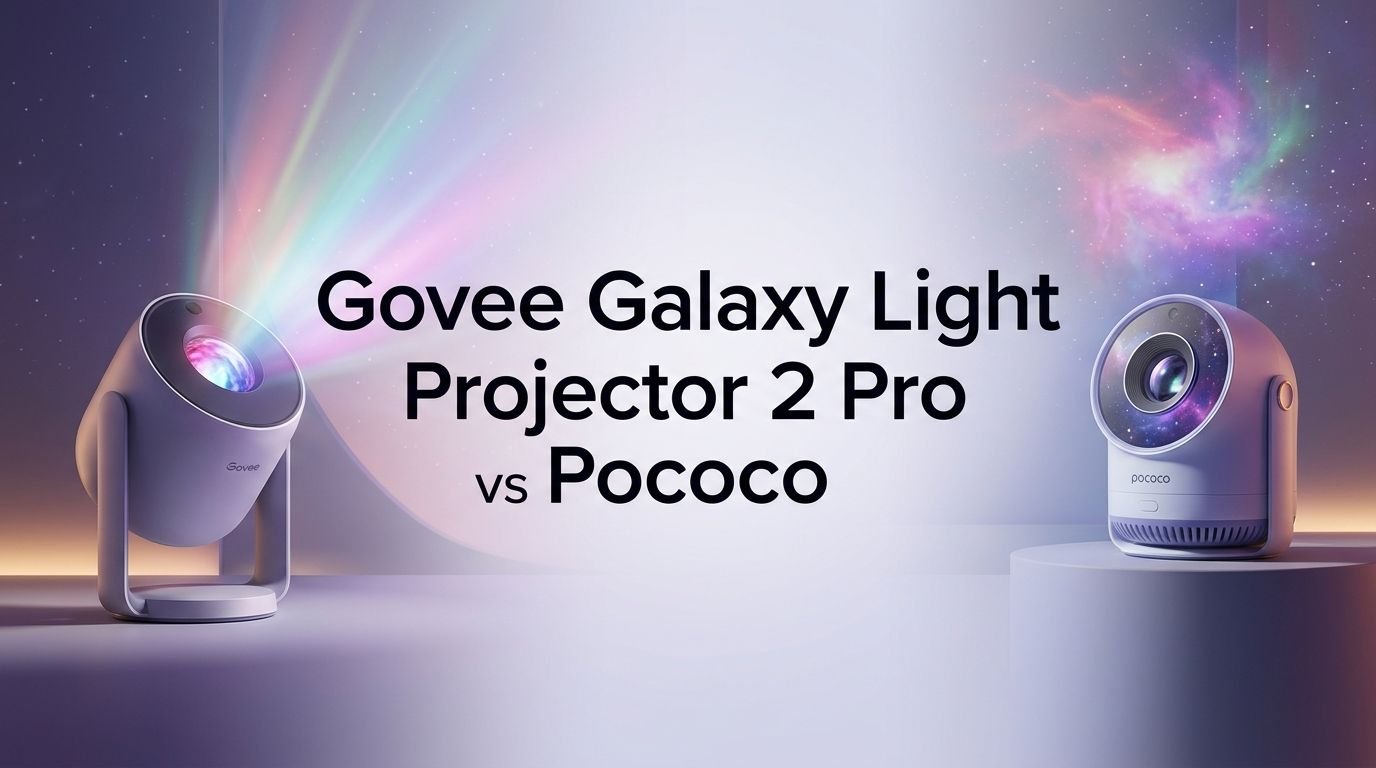
Govee Galaxy Light Projector 2 Pro vs Pococo: Battle of the Best
Are you stuck choosing between the Govee Galaxy Light Projector 2 Pro and the Pococo Galaxy Star Projector? You are not alone. These two star projectors dominate the market right now, and both promise to turn your bedroom ceiling into a personal planetarium.
But here is the thing. They are very different products with different strengths. One is a feature-packed smart home device with a Bluetooth speaker and app control. The other is a compact, portable projector with a rechargeable battery and razor-sharp disc images.
The wrong choice could mean wasted money and a projector gathering dust on your shelf. The right choice could transform your nightly routine, your movie nights, or even your meditation practice. This guide breaks down every important detail so you can pick the projector that fits your life.
Key Takeaways at a Glance
- The Govee Galaxy Light Projector 2 Pro costs around $149 to $179 and delivers a premium smart home experience. It supports Matter connectivity, works with Alexa and Google Home, and includes a built-in Bluetooth speaker with 50 ambient sound options. Its 4MP HD lens and 8 film discs project across 301 square feet with 230 lux brightness.
- The Pococo Galaxy Star Projector costs around $99 and focuses on portability and image clarity. It features a 2M high-clarity lens, 5K resolution discs, a built-in rechargeable battery with 6 hours of life, and a compact 5-inch diameter body. It includes 2 discs with 7 additional disc sets available for purchase.
- The Govee is best for smart home enthusiasts who want app control, voice commands, laser star effects, and a speaker in one device. The Pococo is best for anyone who values portability, simplicity, and sharp image quality at a lower price point. Both use a disc-based projection system, but their target audiences differ significantly.
Govee Galaxy Light Projector 2 Pro Overview

The Govee Galaxy Light Projector 2 Pro is the flagship star projector from Govee. It launched in September 2025 with model number H609D. This device combines disc-based galaxy projection with Class 1 laser stars, a Bluetooth speaker, and full smart home integration.
The projector uses a 4-megapixel high-definition optical lens that projects images from 8 included film discs. It covers up to 301 square feet with a 90-degree wide projection angle. The brightness reaches 230 lux, which makes it one of the brightest disc-based projectors available.
Govee built this projector with a modern capsule-style design. It weighs 4.4 pounds and measures 9.37 x 6.41 x 5.82 inches. The projector sits on a separate rubberized stand that allows angle adjustment from ceiling to wall projection.
Pros:
- Matter support for fast smart home setup with Alexa and Google Home
- Built-in Bluetooth speaker with 50 white noise and ambient sounds
- 230 lux brightness works in dim rooms, not just total darkness
- Class 1 laser stars create dynamic dancing firefly effects
- 20 scene modes with adjustable speed, brightness, and laser direction
Cons:
- Requires mains power with no rechargeable battery option
- Large footprint compared to competitors like Pococo
- Motor and cooling fan can get loud after 20 to 30 minutes
- Auto shutoff timer set at 120 minutes to protect disc lifespan
- Additional discs are difficult to find for separate purchase
Pococo Galaxy Star Projector Overview

The Pococo Galaxy Star Projector takes a different approach. It prioritizes portability, simplicity, and image sharpness over smart features. This compact projector has earned a strong reputation for producing some of the clearest star projections on the market.
Pococo uses a 2-megapixel high-clarity lens paired with 5K resolution discs. The result is crisp, lifelike projections that rival many higher-priced competitors. The projector body is about 5 inches in diameter and weighs just 1.63 pounds.
The standout feature is its built-in rechargeable battery. You get up to 6 hours of cordless operation on a single USB-C charge. This means you can move it between rooms, take it camping, or place it anywhere without worrying about power outlet locations.
It includes 2 discs (Diamond Star and Westerlund), with 7 additional disc sets available on Amazon. The timer offers 15, 30, and 60-minute shutoff options. Three buttons on the base handle power, rotation, and timer settings.
Pros:
- Rechargeable battery provides up to 6 hours of portable use
- 5K resolution discs produce sharp, vivid projections
- Compact and lightweight at just 1.63 pounds
- Simple 3-button operation with no app required
- Wide selection of additional disc sets available on Amazon
Cons:
- No built-in speaker or white noise features
- No smart home integration or app control
- No laser star overlay effects
- Projection area is smaller than the Govee
- Only 2 discs included in the base package
Image Quality and Lens Resolution Compared
Image quality is the most important factor for most buyers. Both projectors use disc-based systems, but their lenses and disc resolutions differ.
The Govee uses a 4MP HD lens and projects what Govee calls 8K ultra-high-definition images from its discs. The projection is bright at 230 lux, and colors appear vivid in dark rooms. However, some reviewers note that most of the detail sits around the outer edge of the disc, leaving the center somewhat empty.
The Pococo uses a 2M high-clarity lens with 5K resolution discs. Despite the lower lens resolution number, Pococo’s projections are remarkably sharp. The 6-lens optical system produces clear images with strong color accuracy. Multiple reviewers describe the image as “crisp” and “lifelike.”
In practice, the Pococo often produces a sharper focused image due to its manual focus ring. You can fine-tune the projection clarity yourself. The Govee is brighter overall, which helps in rooms that are not completely dark. If you prioritize brightness and room coverage, the Govee wins. If you prioritize sharpness and detail, the Pococo holds its own.
Design and Build Quality
The two projectors look and feel completely different. This matters for how they fit into your living space.
The Govee Galaxy Light Projector 2 Pro has a large pill-shaped body. It comes with a separate rubberized stand and rotates 360 degrees. The build feels premium with quality materials and correct product labeling. The disc tray and four on-body control buttons sit on top.
The Pococo Galaxy Star Projector is small and spherical. It sits on a sturdy integrated base and can tilt up to 60 degrees. The side-loading disc drawer keeps swapping discs simple. Three base buttons control everything.
If your nightstand space is limited, the Pococo is the clear winner. It takes up about the same space as a coffee mug. The Govee needs a dedicated spot with access to a power outlet. If you want a device that looks impressive and premium, the Govee’s modern design stands out more.
Smart Home Integration and App Control
This category is where the Govee pulls far ahead of the Pococo.
The Govee Galaxy Light Projector 2 Pro supports Matter connectivity. This means it connects to your smart home ecosystem in seconds. It works with the Govee app, Amazon Alexa, and Google Home. You can control brightness, scene modes, laser effects, timers, and speaker settings all from your phone or voice commands.
The Govee app offers 20 scene modes with names like Cosmic Waves and Interstellar Travel. Each mode adjusts rotation speed, laser arrangement, laser brightness, and ambient sound. Setup is seamless with no frustrating reboots or error messages.
The Pococo has no app and no smart home features. It operates entirely through its three physical buttons. For some users, this simplicity is a benefit. There is no account to create, no app to download, and no firmware to update. But if you want to integrate your star projector into a larger smart lighting setup, the Pococo cannot do that.
Sound and Speaker Features
The Govee includes a built-in Bluetooth speaker that serves double duty. You can pair it with your phone to play music, podcasts, or audiobooks. You can also choose from 50 built-in ambient sounds that include themed music, nature sounds, and sound effects.
The speaker quality is good enough for background listening. It lacks deep bass like most small Bluetooth speakers, but it handles spa music, white noise tracks, and ambient soundscapes well. This is a genuine value-add that makes the Govee a two-in-one device.
The Pococo has no speaker at all. If you want ambient sound, you need a separate Bluetooth speaker or your phone. This is a significant gap for anyone who uses a star projector as a sleep aid. The combination of relaxing visuals and soothing sound is part of the appeal for many users.
If sound matters to you, the Govee is the only choice between these two. The Pococo keeps things visual only.
Portability and Power Options
The Pococo dominates this category. Its built-in rechargeable battery provides up to 6 hours of cordless operation. You charge it with a USB-C cable. This makes it ideal for travel, camping, moving between rooms, or placing it in spots without nearby outlets.
The Govee requires constant mains power. There is no battery option. You need a power outlet wherever you place it. The power cord limits your placement options. This is fine if you plan to find a permanent spot for it, but it removes any portability.
The Pococo weighs just 1.63 pounds compared to the Govee’s 4.4 pounds. That is a meaningful difference if you plan to move your projector often. The compact 5-inch diameter of the Pococo fits easily in a travel bag. The Govee’s 9.37-inch length makes it strictly a stationary device.
Disc Selection and Availability
Both projectors use replaceable image discs, but the disc ecosystems differ.
The Govee comes with 8 discs in a compact booklet format. These discs use a new square format that is not compatible with older Govee models. The images feature nebulae, galaxies, and space scenes. However, finding additional discs for separate purchase has been difficult since launch. Some reviewers also report that disc images may fade over time.
The Pococo comes with 2 discs and offers 7 additional disc sets for purchase on Amazon. Disc sets include Nebula, Galaxy, Fixed Stars and Nebulas, Constellation, Planets, Aurora and Sea, and Moon and Stars. Each set contains multiple discs. Prices range from $53.99 to $59.99 per set.
The Pococo has a much larger and more accessible disc library. You can build a collection over time and change your room’s theme easily. The Govee gives you more discs upfront but limits your ability to expand.
Noise Levels During Operation
Noise is a real concern for bedroom use. Both projectors have motors that rotate the disc images.
The Govee has a known noise issue. The disc rotation motor produces a hum, and the cooling fan activates after 20 to 30 minutes of use. Multiple reviewers report that the fan is loud enough to wake light sleepers. If you run the built-in white noise or play music through the speaker, the fan noise is masked. In quiet rooms, it is noticeable.
The Pococo is much quieter. The rotation motor produces a slight whirr, but most reviewers describe it as not bothersome or distracting. The smaller form factor means less heat generation and no active cooling fan. For sleep use in a quiet room, the Pococo is the better choice.
Projection Coverage and Brightness
The Govee covers a 90-degree projection area up to 301 square feet. Its 230 lux brightness is enough to see the projection in dim rooms without total darkness. The Class 1 lasers add pinpoint stars that are visible even with lights on.
The Pococo projects onto a smaller area. It works best on white, flat ceilings with the projector pointed straight up. You can tilt it up to 30 degrees for wall projection. The projection distance is optimal at around 8 feet.
For large rooms, living rooms, or party settings, the Govee is significantly better. Its brightness and coverage fill bigger spaces. For standard bedrooms and personal spaces, the Pococo provides enough coverage for a satisfying experience. The image is smaller but sharper within its projection zone.
Price and Value Comparison
The Govee Galaxy Light Projector 2 Pro retails around $149 to $179. The Pococo Galaxy Star Projector retails around $99. That price gap is significant.
With the Govee, you get a speaker, smart home integration, laser stars, 8 discs, and 20 scene modes. With the Pococo, you get a rechargeable battery, sharp optics, 2 discs, and dead-simple operation.
The Pococo offers better value per dollar for pure projection quality. The Govee justifies its higher price through its additional features. If you already own a smart speaker and just want beautiful star projections, the Pococo saves you money. If you want an all-in-one ambient device, the Govee packs more into a single product.
Consider the ongoing cost too. Expanding the Pococo’s disc library adds $54 to $60 per set. The Govee’s 8 included discs may be all you get for a while since replacements are hard to find.
Which One Should You Buy?
The answer depends on your priorities. Here is a simple breakdown.
Choose the Govee Galaxy Light Projector 2 Pro if you want smart home integration, a built-in speaker, laser star effects, and bright room-filling projections. It works best as a permanent fixture in a living room or bedroom with a smart home setup.
Choose the Pococo Galaxy Star Projector if you want portability, quiet operation, razor-sharp image quality, and a lower price. It works best for bedrooms, travel, kids’ rooms, and anyone who values simplicity.
Both are quality products from reputable brands. Neither will disappoint you if it matches your use case. The Govee is the feature-rich powerhouse. The Pococo is the elegant minimalist.
Frequently Asked Questions
Can I use Pococo discs in the Govee Galaxy Light Projector 2 Pro?
No. The two projectors use completely different disc formats. Govee’s new square-format discs are not interchangeable with Pococo’s round discs. Each projector requires its own brand-specific discs.
Does the Pococo Galaxy Star Projector have an app?
No. The Pococo operates entirely through three physical buttons on its base. There is no companion app, no WiFi connectivity, and no smart home integration. This keeps the device simple and easy to use.
How loud is the Govee Galaxy Light Projector 2 Pro?
The Govee produces noticeable noise from its cooling fan after 20 to 30 minutes of operation. Light sleepers may find it disruptive in quiet rooms. Playing ambient sounds through the built-in speaker can mask the fan noise.
Can I take the Pococo camping or traveling?
Yes. The Pococo has a built-in rechargeable battery that lasts up to 6 hours. It weighs 1.63 pounds and measures about 5 inches in diameter. It fits easily in a backpack or travel bag and does not need a power outlet during use.
Does the Govee Galaxy Light Projector 2 Pro work with Alexa?
Yes. The Govee supports Matter connectivity and works with Amazon Alexa, Google Home, and the Govee app. You can control the projector using voice commands for hands-free operation.
Are additional discs available for both projectors?
Pococo offers 7 additional disc sets on Amazon priced between $54 and $60 each. Govee’s replacement discs have been difficult to find since the projector launched. The Govee comes with 8 discs, while the Pococo includes only 2.