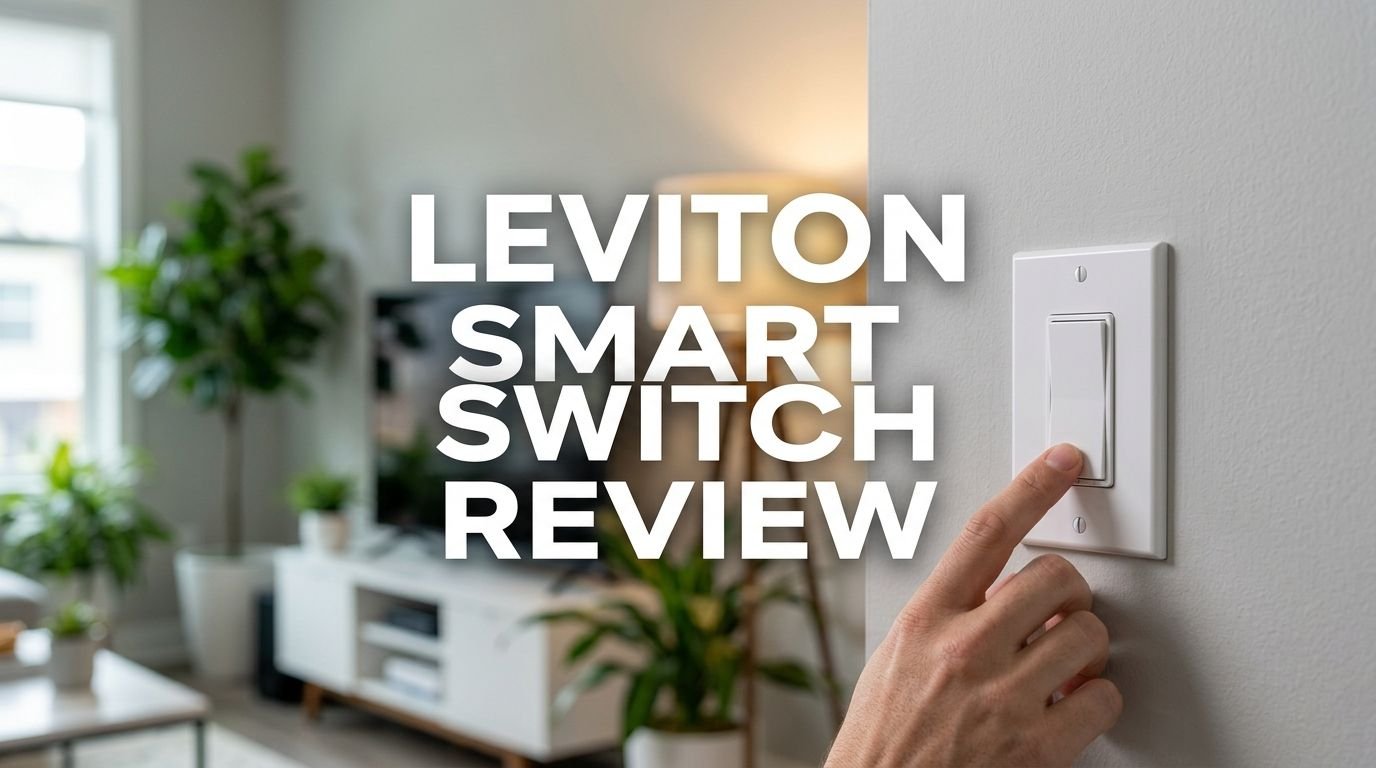
Leviton Smart Switch Review 2026: Top Tier or Trash?
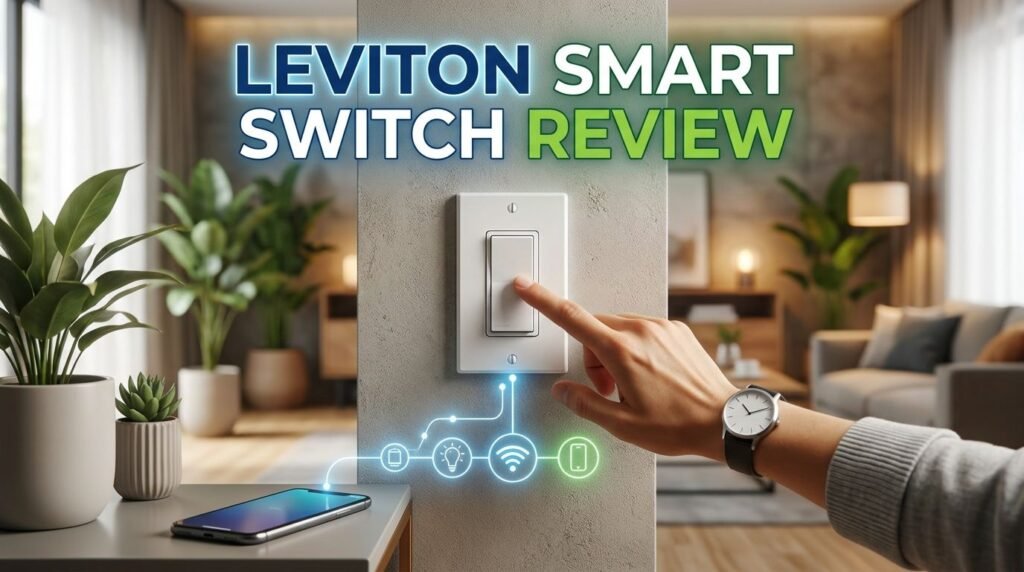
Are you thinking about upgrading your home with a smart light switch but feel overwhelmed by all the options? The Leviton Decora Smart Wi-Fi Switch (D215S) has been a fan favorite for years. It promises easy setup, broad compatibility, and reliable performance without a hub.
But does it hold up in 2026, especially with the growing importance of Matter support and new competitors on the market? I spent weeks testing this switch in a real home setup. I checked everything from installation to app performance to voice control response times.
In this detailed review, I break down every feature, pro, and con of the Leviton smart switch. You will learn if it deserves a spot on your wall or if a better option exists. Let’s dive in.
Key Takeaways:
- The Leviton Decora Smart Switch (D215S) connects directly to your 2.4 GHz Wi-Fi network. You do not need a separate hub or bridge. This keeps your setup simple and your costs low.
- Matter support is available through a free firmware update in the My Leviton app. This means the switch works with Apple Home, Google Home, Amazon Alexa, SmartThings, and many other platforms now and in the future.
- Installation is straightforward for most homeowners with basic electrical knowledge. The switch uses wire leads instead of side screws, and the slim depth fits in most standard electrical boxes. However, a neutral wire is required.
- The switch supports loads up to 15A and 3/4 HP. This means you can control lights, ceiling fans, exhaust fans, motors, and pumps with a single device.
- Scheduling and automation features are stored on the device itself. Your schedules will continue to run even if your internet goes down temporarily, which is a major advantage over some competitors.
- The price point is competitive, typically falling between $25 and $35 per switch. This makes it one of the most affordable Matter-compatible smart switches available today.


Leviton Decora Smart Switch (D215S): Product Overview
The Leviton Decora Smart Wi-Fi Switch (D215S) is a second-generation smart switch built for modern homes. Leviton designed it to replace your existing single-pole or three-way wall switch. It uses your home’s existing Wi-Fi network and requires no extra hub.
This switch supports a wide range of load types. You can use it with LED, CFL, incandescent, halogen, and fluorescent bulbs. It also handles motor loads up to 3/4 HP, making it useful for ceiling fans and exhaust fans.
The Decora design gives it a clean, modern look. It blends in with standard Leviton Decora wall plates, so your smart switch does not look out of place. You can also swap the faceplate color using the optional DDKIT-S color change kit. Colors include white, ivory, light almond, gray, brown, and black.
Design and Build Quality
The Leviton D215S has a sleek rocker-style design that feels premium to the touch. The switch body is compact, measuring just 1.3 inches deep. This slim profile is important because it fits inside shallow electrical boxes without crowding the wires.
The rocker paddle provides a satisfying click. It feels solid and durable, unlike some budget smart switches that feel flimsy. The metal mounting strap adds extra durability and ensures a secure fit inside the wall box.
Leviton uses a clean white finish as the default color. The surface resists fingerprints and smudges well. After months of daily use, the switch still looks new. The LED status indicator on the front is small and subtle. It does not light up the room at night but gives you a quick visual confirmation of the switch state.
Overall, the build quality matches what you would expect from a trusted brand like Leviton. This is a switch built to last.
Installation Process: How Easy Is It?
Installing the Leviton D215S is easier than most smart switches on the market. The switch uses wire leads instead of traditional screw terminals. This saves time and makes connections more secure in tight spaces.
You will need a neutral wire for this switch. Most homes built after the 1980s have neutral wires in their switch boxes. If your home is older, check your electrical box before purchasing. Without a neutral wire, you will need to look at Leviton’s no-neutral model (DN15S) instead.
The My Leviton app guides you through a step-by-step setup process. You connect the switch to your Wi-Fi network, name it, and assign it to a room. The entire process took me about 15 minutes from start to finish, including the physical wiring.
For three-way setups, the switch works with either the DD0SR wired companion or the DAWSC wireless Anywhere Switch Companion. The wireless option is especially useful because it eliminates the need for traveler wires between switches.
Top 3 Alternatives for Leviton Smart Switch
If the Leviton D215S does not fit your specific needs, here are three excellent alternatives worth considering.
1. Lutron Caseta Smart Switch (PD-6ANS)

The Lutron Caseta is a top-tier smart switch known for its rock-solid reliability. It uses a proprietary wireless protocol called Clear Connect, which avoids Wi-Fi congestion. It does require a Lutron Smart Bridge hub. The switch does not need a neutral wire, which makes it ideal for older homes.
2. TP-Link Kasa Smart Switch (KS205)

The Kasa KS205 is a budget-friendly Matter-compatible smart switch. It connects directly to Wi-Fi and works with Siri, Alexa, and Google Assistant. The setup through the Kasa app is simple, and the switch offers reliable performance at a lower price point.
3. GE CYNC Smart Switch

The GE CYNC Smart Switch works with Bluetooth and 2.4 GHz Wi-Fi. It does not require a neutral wire, making it suitable for older homes. It works with Alexa and Google Home. The paddle-style design looks clean and modern on any wall.
My Leviton App: Features and Performance
The My Leviton app is the control center for your Leviton smart switches. It is available for both iOS and Android devices. The app lets you control individual switches, create rooms, build schedules, and set up automation scenes.
One feature I really appreciate is the sunrise and sunset scheduling. You can set exterior lights to turn on automatically at dusk and off at dawn. The times adjust automatically based on your location, so you never need to update them seasonally.
The app also supports grouping switches into rooms. You can turn off all the lights in your living room with a single tap. Scenes let you activate multiple switches at once. For example, a “Movie Night” scene could dim the living room lights and turn off the kitchen lights simultaneously.
Response times through the app are fast. Switches react within one to two seconds of tapping the control. The interface is clean and easy to read. I did not experience crashes or significant bugs during my testing period.
Voice Control: Alexa, Google, and Siri
The Leviton D215S works with all three major voice assistants. You can use Amazon Alexa, Google Assistant, and Apple Siri to control your lights with simple voice commands.
Setup with each platform is straightforward. For Alexa, you link your Leviton account in the Alexa app. For Google Home, you add the My Leviton service. For Apple Home, the switch appears during the initial setup process through the My Leviton app.
Voice commands are quick and responsive. Saying “Alexa, turn off the kitchen light” triggers the switch in about one second. Google Assistant and Siri perform similarly. There is no noticeable lag.
With Matter support enabled, the switch can also connect to your smart home platform more directly. This can improve response times and reduce dependence on cloud servers. Matter integration is a significant advantage for users who value privacy and local control.
Matter Support: Future-Proofing Your Smart Home
Matter is a smart home connectivity standard that allows devices from different brands to work together. The Leviton D215S received Matter support through a free firmware update in the My Leviton app.
This is a big deal. Matter ensures that your switch will remain compatible with future smart home platforms and devices. You are not locked into a single ecosystem. If you switch from Google Home to Apple Home next year, your Leviton switches will still work.
Matter also enables local control in some setups. This means your switch can communicate directly with your smart home hub over your local network. It does not always need to reach out to the cloud. This results in faster response times and improved reliability during internet outages.
Leviton was one of the first major switch manufacturers to add Matter to its existing product line. This forward-thinking approach protects your investment and shows the company’s commitment to open standards.
Scheduling and Automation Features
The Leviton D215S offers a strong set of scheduling and automation tools built right into the My Leviton app. You can create up to 50 schedules per residence. Each schedule can trigger at a specific time or based on sunrise and sunset.
One standout feature is onboard schedule storage. The switch saves your schedules in its own memory. If your internet goes down, the switch will still follow its schedule. Many competing switches lose their schedules during outages, so this is a clear advantage.
The auto-shutoff timer is another useful feature. You can set lights to turn off automatically after a specified period. This works great for closets, bathrooms, garages, and basements where lights often get left on.
Activity scenes let you control multiple devices at once. You can create a “Goodnight” scene that turns off every light in the house. The app supports up to 50 activities per residence, giving you plenty of flexibility.
Wi-Fi Performance and Reliability
The Leviton D215S connects to a 2.4 GHz Wi-Fi network. This frequency offers better range and wall penetration than 5 GHz. Most routers broadcast both frequencies, so compatibility is rarely an issue.
During my testing, the switch maintained a stable connection throughout the home. I placed switches in rooms at varying distances from the router. Even the switch farthest away (about 40 feet through two walls) stayed connected and responded quickly.
Some users have reported occasional connectivity drops on older routers. If you experience issues, upgrading your router or adding a mesh Wi-Fi system usually solves the problem. Leviton recommends having a stable internet connection with adequate Wi-Fi coverage for best results.
The switch does not require a hub, which simplifies your network setup. Each switch connects directly to your router. However, if you have dozens of smart devices on your network, consider a router that handles many simultaneous connections.
Energy Efficiency and Savings
Smart switches like the Leviton D215S can reduce your electricity bill in meaningful ways. The scheduling feature ensures lights turn off when not needed. The auto-shutoff timer prevents wasted energy in rooms where lights are often forgotten.
The switch itself consumes very little standby power. Leviton rates the device for LED loads up to 600W. Modern LED bulbs use far less energy than incandescent bulbs, so the combination of smart control and LED lighting delivers significant savings over time.
The sunrise and sunset scheduling is especially effective for outdoor lights. Instead of leaving porch lights on all night, you can set them to turn off at a specific time or at sunrise. This alone can save noticeable energy each month.
You can also use the random home/away feature to simulate occupancy while on vacation. This turns lights on and off at irregular intervals. It provides security benefits while using less energy than leaving lights on continuously.
Leviton D215S vs. Lutron Caseta: Quick Comparison
These two switches are the most popular smart switches in 2026. Here is how they compare on key factors.
The Leviton D215S connects directly to Wi-Fi and does not need a hub. The Lutron Caseta requires a Smart Bridge hub, which adds extra cost. However, Lutron’s proprietary Clear Connect protocol is extremely reliable and avoids Wi-Fi congestion issues.
Leviton supports Matter, while Lutron does not natively support Matter at this time. This gives Leviton an edge in cross-platform compatibility and future-proofing.
The Leviton D215S requires a neutral wire. The Lutron Caseta does not. If your home lacks neutral wires, Lutron is the easier choice.
Both switches offer excellent build quality and app experiences. Leviton is typically more affordable per switch, especially since you do not need a separate hub. Lutron tends to be the better pick for large installations where Wi-Fi congestion could be an issue.
Pros and Cons of the Leviton Smart Switch
What I liked about this switch:
The Matter support is a huge plus. It ensures broad compatibility today and into the future. The no-hub-required design keeps costs low and setup simple. The build quality is excellent, and the Decora design looks great on any wall.
The onboard schedule storage is a standout feature. Your automations keep running even without internet. The app is clean, fast, and feature-rich. Voice control with all three major assistants works without any issues.
What could be better:
The switch requires a neutral wire, which limits installation in some older homes. The 2.4 GHz Wi-Fi connection is solid, but homes with many smart devices may experience occasional slowdowns.
There is no built-in dimming capability on the D215S model. If you want dimming, you need the separate D26HD dimmer model. The two-year warranty is decent but shorter than some competitors like Lutron, which offers a longer coverage period.
Who Should Buy the Leviton Smart Switch?
The Leviton D215S is a great choice for homeowners who want a reliable, affordable, and widely compatible smart switch. If your home has neutral wires and a stable Wi-Fi network, this switch delivers outstanding value.
It is ideal for people who use multiple smart home platforms. The Matter support means you can mix Apple Home, Google Home, and Alexa without worrying about compatibility. This flexibility is rare at this price point.
First-time smart home users will appreciate the easy installation and guided app setup. You do not need technical expertise to get this switch working. The wire leads and slim design make physical installation simple, even in tight boxes.
If you rent your home, this switch is also a solid option. You can install it and take it with you when you move. The standard Decora design means your original switch can go back on the wall with no visible changes.
Final Verdict: Is the Leviton Smart Switch Worth It in 2026?
Yes, the Leviton Decora Smart Switch (D215S) is absolutely worth buying in 2026. It delivers a strong combination of performance, compatibility, and value that few competitors can match.
The Matter support alone makes this switch a smart long-term investment. You get reliable Wi-Fi connectivity, excellent voice control, and a polished app experience. The onboard scheduling, auto-shutoff timer, and scene controls add real daily convenience.
At its current price, the Leviton D215S offers one of the best values in the smart switch market. It is not perfect. The neutral wire requirement and lack of built-in dimming are limitations. But for most modern homes, these are minor trade-offs.
If you want a smart switch that works today and stays compatible tomorrow, the Leviton Decora Smart Switch earns a strong recommendation from me.
Frequently Asked Questions
Does the Leviton Smart Switch Require a Hub?
No, the Leviton D215S does not require a hub. It connects directly to your 2.4 GHz Wi-Fi network. You control it through the free My Leviton app, voice assistants, or Matter-compatible platforms. This makes setup simple and keeps your total cost lower.
Does the Leviton D215S Work Without a Neutral Wire?
No, the Leviton D215S requires a neutral wire for installation. Most homes built after the 1980s have neutral wires in their switch boxes. If your home does not have one, consider the Leviton DN15S no-neutral model or the Lutron Caseta, which does not require a neutral wire.
Is the Leviton Smart Switch Compatible With Matter?
Yes, the Leviton D215S supports Matter through a free firmware update in the My Leviton app. Matter allows the switch to work with Apple Home, Google Home, Amazon Alexa, SmartThings, and other compatible platforms without extra configuration.
Can I Use the Leviton Smart Switch in a Three-Way Setup?
Yes, the switch supports three-way and multi-location setups. You can pair it with the DD0SR wired companion switch or the DAWSC wireless Anywhere Switch Companion. The wireless option does not require additional wiring between switch locations.
How Long Is the Warranty on the Leviton Smart Switch?
Leviton offers a two-year limited warranty on the D215S smart switch. This covers manufacturing defects and hardware failures under normal use. Keep your purchase receipt for warranty claims.
Will My Schedules Still Work if the Internet Goes Down?
Yes, the Leviton D215S stores schedules in its onboard memory. If your internet connection drops temporarily, your programmed schedules will continue to run as normal. This is a key advantage over many competing smart switches.